5 Best Math Learning Apps for Students in 2025
Homework piles up, a test looms, and a student stares at a page of algebra that makes no sense. Best Math Learning Apps can turn that frustration into steady practice, clear explanations, and even fun with math games and interactive lessons. Which apps actually help build skills in arithmetic, algebra, or geometry while offering adaptive learning, tutoring support, and reliable problem solvers? This article will help you know the 5 Best Math Learning Apps for Students in 2025 and pick the right math practice app for your needs.
To make that choice easier, the transcript's solution, an AI study tool, compares features, recommends apps by grade and learning goal, and highlights the best math study app for personalized learning, homework help, problem solving, and test prep.
What Is a Math Learning App?

A math learning app is a mobile or web-based platform that helps students learn, practice, and master math. It combines interactive lessons, practice problems, quizzes, and tools like graphing calculator screens and equation solvers to turn abstract ideas into concrete steps. Apps often include step-by-step explanations, video lessons, and adaptive learning paths that adjust to a student’s pace and skill level. The features that matter most to you depend on whether you need homework help, test prep, or long-term skill building.
Core Features That Make an App Effective
Good apps give instant feedback and show work. You enter a problem by typing, using a camera scanner, or selecting from practice sets, and the app diagnoses errors, offers hints, and shows the method behind the answer. Adaptive learning engines use student responses to tailor problems and spacing, while progress tracking and analytics show weak areas and growth over time. Many apps add gamification, badges, and timed drills to keep engagement up without turning study into a gimmick.
Why Students Use Them: Interaction, Feedback, and Motivation
Students use math apps because they turn passive practice into active learning. Interactive visuals explain functions, graphs, and geometry with animation rather than flat text. Instant feedback replaces the long wait for teacher corrections. It speeds up learning by correcting mistakes at the moment of confusion. Gamified practice, streaks, and leaderboards sustain motivation for routine drills and complex problem solving alike. What motivates one student may not work for another, so personalization matters.
Why Students Use Them: Self-paced Study and Exam Prep
Apps support self-paced learning and targeted revision. You can skip topics you know, replay lessons you do not, and concentrate on problem types that appear on SAT or ACT sections and state exams. Many platforms align to curricula and offer printable worksheets, class integration tools, and tutor or teacher dashboards so study time translates into classroom results. Do you prefer guided lessons or freestyle practice with a smart hint engine?
Why Students Use Them: Anytime Access and Homework Help
Access matters. A math app works on phones, tablets, and laptops so that practice can happen between classes, during a commute, or late at night. Features like homework scan, on-demand step-by-step solutions, and AI-powered tutors provide help when a teacher is not available. This convenience turns frustration into a learning moment and keeps students moving forward on problem sets.
Real Life Example: Midnight Algebra Problem Solved
Picture this: it is 10 PM before a test, and an algebra equation blocks your study plan. You open an app, snap a photo of the problem, and the solver parses the equation, highlights the first mistake, and walks you through each step. You see how to isolate variables, factor expressions, or set up the equation for graphing. The app may also offer practice problems of the same type, short video lessons, and a mini quiz to lock in the method you just learned. Which part of that workflow would save you the most time during test prep?
Related Reading
- Why Am I So Bad at Math
- What Does PEMDAS Stand for in Math
- How to Make Math Fun
- Funny Math Problems
- How To Study For Maths Exam
7 Key Features to Look for in a Great Math App

1. Step-by-Step Explanations That Teach the Method
The best math learning apps break problems into clear, logical moves instead of dropping the final answer on your lap. Good apps identify givens, show algebraic manipulations, offer alternative approaches like factoring or completing the square, and provide hints that fade as you gain confidence. Look for worked examples, practice with graded hints, and the ability to replay or rewind a solution so you learn the process, not just the result. Would you rather learn how to solve similar problems on your own or depend on a calculator that hides its work?
2. Gamified Challenges That Keep Practice Addictive
Practice becomes consistent when an app rewards progress with points, badges, levels, or daily streaks. Leaderboards, timed challenges, and mastery quests turn rote drills into focused sessions that build fluency in arithmetic, algebra, and problem solving. Effective gamification pairs adaptive practice so that difficulty scales with skill, and spaced repetition keeps retention high. What reward structure would get you to study math more often?
3. Curriculum Alignment That Matches School Standards
A powerful math app maps content to the exact syllabus students face in class and on exams. Search for alignment with Common Core, IGCSE, WAEC, JAMB, GCSE, CBSE, or national curricula, plus labeled subtopics that match classroom units and past papers for exam prep. When lessons and practice problems align with standards, homework becomes targeted, and study time converts directly to better grades. Before subscribing, check whether the app tags problems by topic and grade level.
4. Offline Access So Study Follows You Anywhere
Downloadable lessons, cached problem sets, and offline videos let students keep learning when Wi Fi is unreliable. Apps that support low bandwidth modes and allow you to sync progress later reduce interruptions and help learners in rural or limited bandwidth settings. Offline access also protects study time during commutes and power outages. Do you need entire course libraries offline or just selected modules for review?
5. Progress Tracking and Reports That Show Real Growth
Progress dashboards and analytics identify which skills are mastered and which need extra drills, using metrics like accuracy, response time, and mastery percentage. Good apps generate teacher or parent reports, allow export of scores, and provide personalized recommendations based on error patterns and concept gaps. That data drives focused practice and guides tutoring sessions or revision plans. How will you use analytics to sharpen practice this week?
6. Wide Range of Levels and Topics That Grow With Students
Choose an app that covers basic arithmetic through algebra, geometry, trigonometry, calculus, statistics, and exam prep so a single platform supports long-term growth. The best tools provide pathways for remedial review, enrichment problems for advanced learners, and topic branching that adapts as students progress. This eliminates the need to swap apps as skill levels change and keeps practice consistent over the years. Which topics will you want to revisit next semester?
7. Interactive Visuals and Graphing Tools That Make Concepts Click
Interactive plots, manipulatives, dynamic geometry, and a built-in graphing calculator turn abstract ideas into visible actions. Sliders that change coefficients, 3D rotation of solids, stepwise transformations on graphs, and animated proofs help students connect symbolic work to geometric and functional behavior. When visuals link to step-by-step solutions and allow experimentation, conceptual understanding deepens faster. Would a live graphing tool change how you approach functions and derivatives?
Transcript brings AI-powered study tools directly to students' fingertips, combining instant scan and solve, an intelligent digital notebook, and an AI chat system that provides step-by-step explanations as an AI study tool for every subject. Simply scan your problem, and our AI returns detailed step-by-step solutions so students learn faster; get answers for free with Transcript.
Related Reading
- How To Understand Maths Easily
- How To Get Better At Math In High School?
- How To Study For A Math Test
- How To Study For A Math Quiz
- How to Learn Math Fast
- Best Way to Learn Math
5 Best Math Learning Apps for Students in 2025
1. Transcript: AI-powered revision that builds practice from your own notes
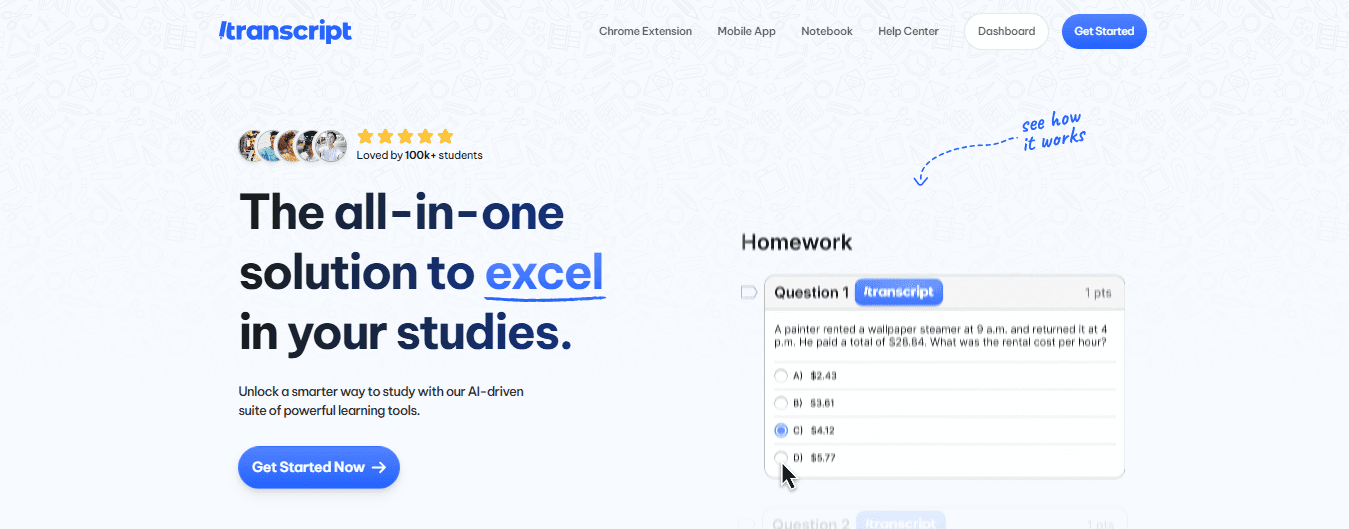
- Best For: Students seeking AI-powered revision and personalized practice for focused exam preparation.
- How It Works: Upload class notes, textbook pages, or past papers, and the app uses optical character recognition and AI to scan content and produce tailored practice questions. It adapts to your mistakes, using spaced repetition to repeat problem types at timed intervals so weak areas get more attention.
- Why It’s Great: It creates custom practice from your own materials, so every question ties back to what you actually need to study. The system identifies weak topics and provides additional practice until you achieve mastery. An AI tutor mode explains errors step by step, offering hints and worked solutions like a private coach.
- Ideal For: High school and college students preparing for WAEC, JAMB, SAT, or university exams who want structured, efficient revision without wasting time.
2. Photomath: Instant camera solver with step-by-step walkthroughs
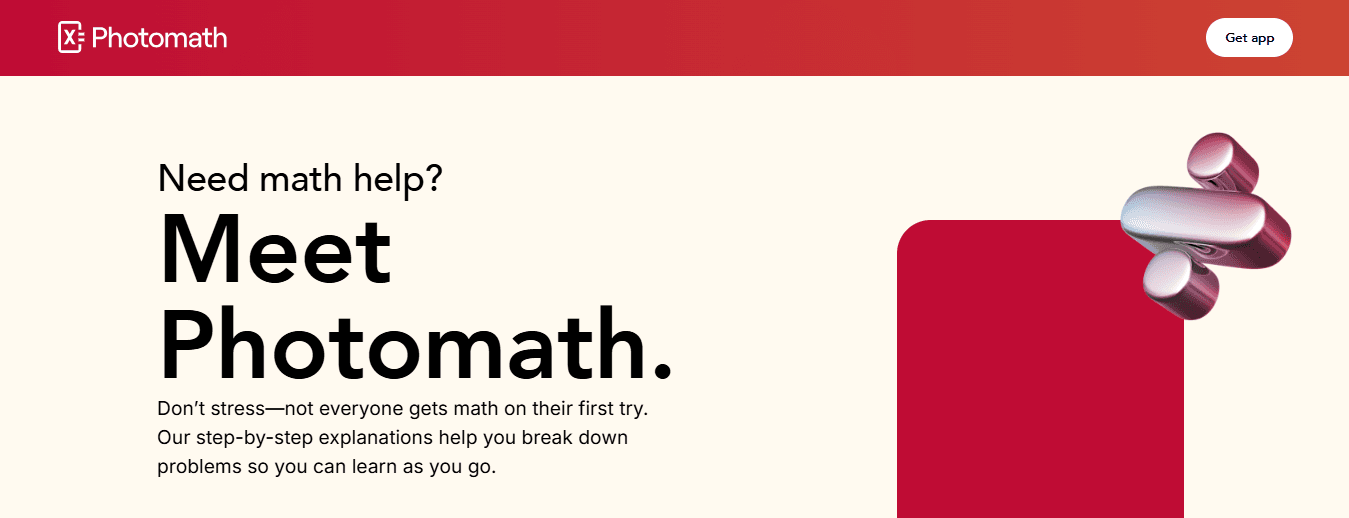
- Best For: Students who struggle with solving equations and word problems by hand and need quick clarification.
- How It Works: Point your phone camera at a printed or handwritten problem, and the app reads the text, solves it, and shows a step-by-step explanation. It covers arithmetic through calculus and handles many word problems by parsing language into math.
- Why It’s Great: The walkthroughs are clear and teach why each step works, not just what to do next. It works offline after download, so you can check homework without internet access. The app helps you check answers and understand multiple solution paths for many problem types.
- Limitations: Some advanced proofs and deeper statistics topics are outside its scope, and complex symbolic reasoning can be limited.
- Ideal For: Middle school, high school, and early college students who need fast homework help or late-night review.
3. DoodleMath: Gamified daily practice for young learners
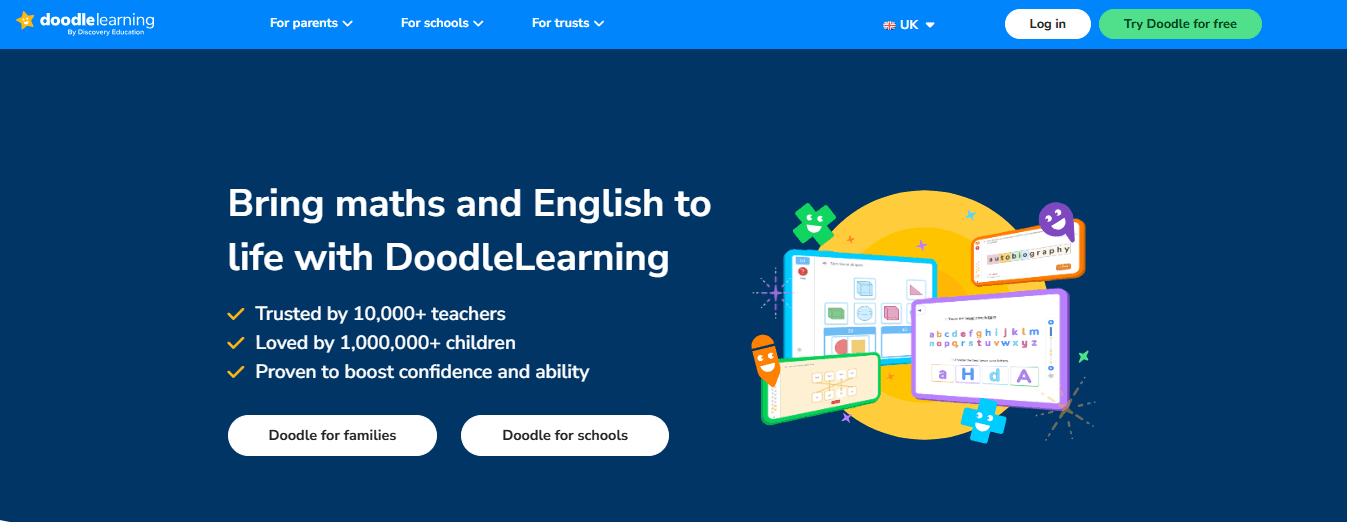
- Best For: Younger students who need engaging, bite-sized practice and confidence building.
- How It Works: Short daily sessions adapt to each child’s level, using game mechanics, rewards, and a personalized learning path to keep practice consistent. Content focuses on arithmetic, fractions, percentages, and introductory algebra with visuals tuned for younger learners.
- Why It’s Great: The game reduces math anxiety and encourages steady practice with progress dashboards for parents and teachers. Short sessions fit busy schedules and help form study habits with measurable gains.
- Limitations: It does not cover advanced high school topics such as calculus or deep statistics.
- Ideal For: Learners ages 7 to 14 who need fun, consistent practice to build core skills.
4. Khan Academy: Full curriculum and free, structured lessons from basics to college
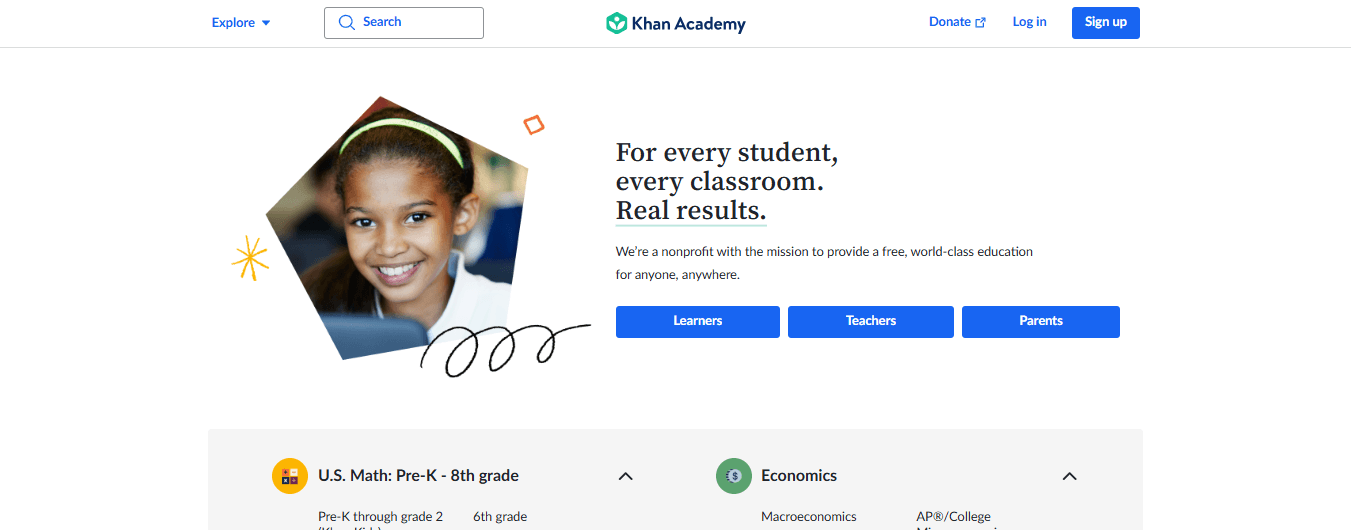
- Best For: Students who want a complete, no-cost math curriculum with clear instruction and mastery tracking.
- How It Works: Video lessons pair with practice exercises, quizzes, and unit tests across arithmetic, algebra, geometry, precalculus, calculus, and statistics. Progress dashboards help learners and coaches follow mastery and identify gaps to target with practice.
- Why It’s Great: It offers a large library of lessons and structured learning paths that build strong foundations. The platform supports applied problem-solving and exam prep for tests like SAT, ACT, WAEC, and JAMB.
- Limitations: The experience is more lesson-driven than game-driven, so some learners may need extra motivation to maintain daily practice.
- Ideal For: High school and college students, homeschoolers, and independent learners who want a comprehensive, free resource.
5. Mathway: Fast, powerful solver for advanced problems
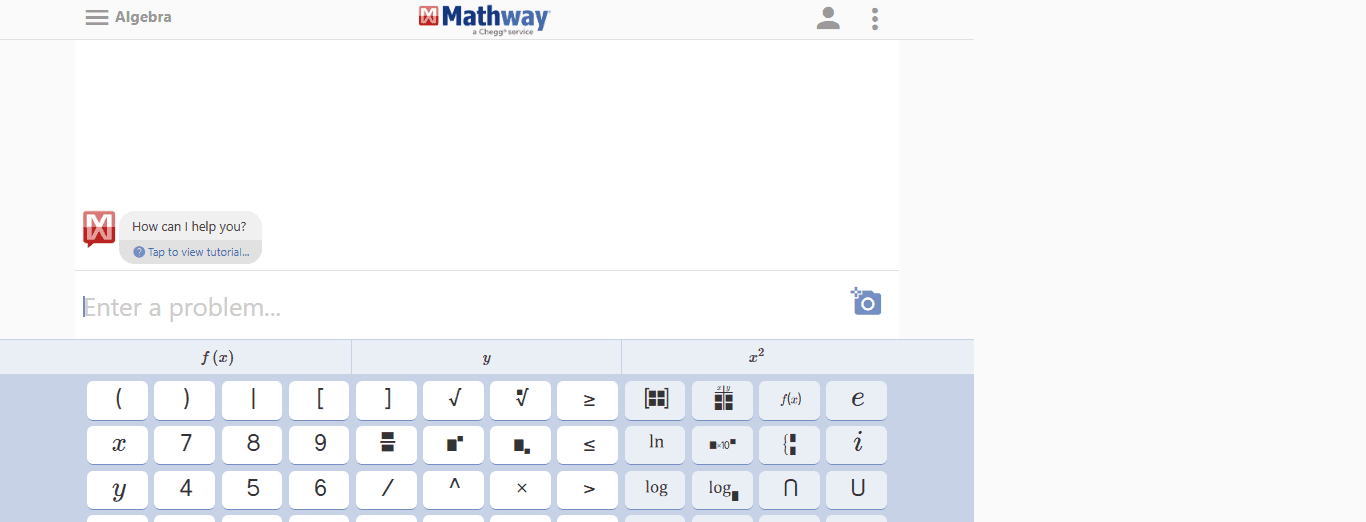
- Best For: Students who need instant answers for complex math and science problems across many topics.
- How It Works: Type or snap a problem, and the app returns a solution. It supports algebra, calculus, linear algebra, differential equations, as well as equations from chemistry and physics. The premium plan unlocks complete step-by-step solutions.
- Why It’s Great: It handles unusual or advanced problems that simpler solvers miss and serves as a quick check for homework and research tasks. The multi-subject support makes it worthwhile when assignments cross disciplines.
- Limitations: The free plan shows final answers only, which can tempt students to copy answers without learning unless they use the paid step explanations.
- Ideal For: Advanced high school and college students working on challenging coursework in math, physics, or chemistry.
Try Transcript for smarter, faster study. It brings AI-powered study tools directly to students’ fingertips, featuring instant scan and solve, an intelligent digital notebook, and an AI chat that gives step-by-step explanations. Try this AI study tool to scan problems, get detailed solutions, and access answers for free with Transcript.
Get Answers for Free Today with Transcript
Point your phone at a homework problem and get a step-by-step solution. Transcript combines an OCR scan and an AI problem solver so students can convert printed or handwritten math questions into clear worked answers. The app works like a math tutor app, offering equation solver outputs, algebra and calculus walkthroughs, and detailed explanations for geometry and statistics problems. Get answers for free with Transcript.
Instant Scan-and-Solve: Snap, OCR, Solve
How fast do you want an answer? Scan a problem and Transcript uses optical character recognition to read the question, then applies algorithmic solvers and AI reasoning to produce procedural steps. That covers linear equations, systems, integrals, derivatives, limits, matrices, and graphing tasks. The result includes intermediate steps, numeric checks, and final answers so students can follow the math instead of just copying a result.
Intelligent Digital Notebook: Keep your work organized
The notebook stores scanned problems, annotated solutions, and custom notes. Tag items by topic, save practice problems for later, and review past solutions to track progress. This setup turns scattered homework pages into a searchable study library that supports retention and exam prep.
AI Chat for Step-by-Step Explanations: Ask follow-up questions
Have a question about a step? The built-in chat lets you ask why a move was valid, request a simpler explanation, or get alternate solution methods. The AI provides structured reasoning, checks for algebra mistakes, and adapts explanations to different levels, from middle school arithmetic to university-level calculus. Want more practice on the same concept? Ask the chat for similar problems.
How Transcript Compares with Other Math Learning Apps
What separates a good math practice app from a great one? Transcript pairs instant problem solving with an interactive tutor and a persistent study record. Compared with standalone graphing calculator tools and simple homework solvers, Transcript adds personalized feedback, conceptual breakdowns, and adaptive review. It fills roles usually split between a problem solver, a study planner, and an online tutor.
Subjects and Problem Types Supported
Which subjects will help your grade? Transcript covers arithmetic, pre-algebra, algebra, geometry, trigonometry, pre-calculus, calculus, linear algebra, probability, and statistics. It handles symbolic manipulation, numerical approximation, word problems, and graph interpretation. For test prep, it can generate practice sets and timed drills focused on specific weak points.
Study Workflow: From Problem Scan to Mastery
Scan a problem, read the AI solution, ask clarifying questions, then save similar exercises for practice. Use the notebook to mark patterns in your mistakes and schedule review sessions. The flow moves students from short-term answer seeking to long-term skill building with spaced practice and targeted problem sets.
Adaptive Learning and Personalized Feedback
Transcript evaluates error types and common misconceptions, then recommends practice tailored to those gaps. The system records response patterns and suggests problems that build fluency in algebraic manipulation, calculus techniques, or problem-solving strategies. That creates an efficient path for improving grades and confidence.
Accessibility, Privacy, and Cost Options
Is the app available on multiple devices? Transcript supports iOS and Android and syncs across devices. The free tier provides core scan and chat functions, allowing students to get answers for free with Transcript. Paid tiers unlock advanced features, larger problem bundles, and offline access. Privacy controls limit data sharing and allow users to manage stored work and account settings.
Classroom Use and Teacher Tools
Can teachers use Transcript responsibly? Educators can use the app to generate practice worksheets, create example solutions, and demonstrate step-by-step approaches during lessons. The platform also supports settings that encourage learning rather than shortcutting homework, such as revealing hints gradually and offering scaffolded explanations.
Common Student Concerns and Best Practices
Worried about overreliance on answers? Use Transcript as a tutor: request explanations, complete similar problems without scanning the solution first, and use the notebook to review error patterns. Ask the AI to show multiple solution methods so you understand underlying concepts, not just procedures.
Security and Academic Integrity
How does Transcript handle academic integrity? The tool includes modes that limit complete solutions for graded assignments and focuses on guided hints and conceptual help instead. Schools can adopt usage policies and work with the platform to align features with classroom expectations.
Related Reading
- Best AI Math Solver
- How to Learn Math on Your Own
- How to Learn Math Fast
- Hard Math Problems With Answers
- College Math Problems With Answers
- Math Problems for 5th Graders
- College Math Problems With Answers
- Symbolab
- Julius AI
- Microsoft Math Solver