Quizizz vs. Kahoot
Consider this: You’re preparing for an upcoming exam and opted to use flashcards to help you with your studies. As your test date draws closer, you begin to grow bored with your flashcards. You can’t seem to stay focused during your study sessions. Instead of helping you memorize your course material, your flashcards have become a source of dread.
Sound familiar? If so, interactive games like Quizizz and Kahoot can help you turn your monotonous flashcard study sessions into something fun to keep you engaged. Both platforms allow you to create interactive quizzes to use as flashcards to help you memorize your course material. But which one is better? This guide will help you know Quizizz vs. Kahoot. As you’ll soon discover, there is no clear winner between Quizizz and Kahoot. Instead, both platforms offer unique features to help you effectively study your flashcards and prepare for your upcoming test. We will also touch upon How to Memorize Flashcards?
With the help of an AI study tool like Transcript to show you how to use Quizizz and Kahoot to memorize your flashcards, you’ll be ready for your exam in no time.
What Is Quizizz?
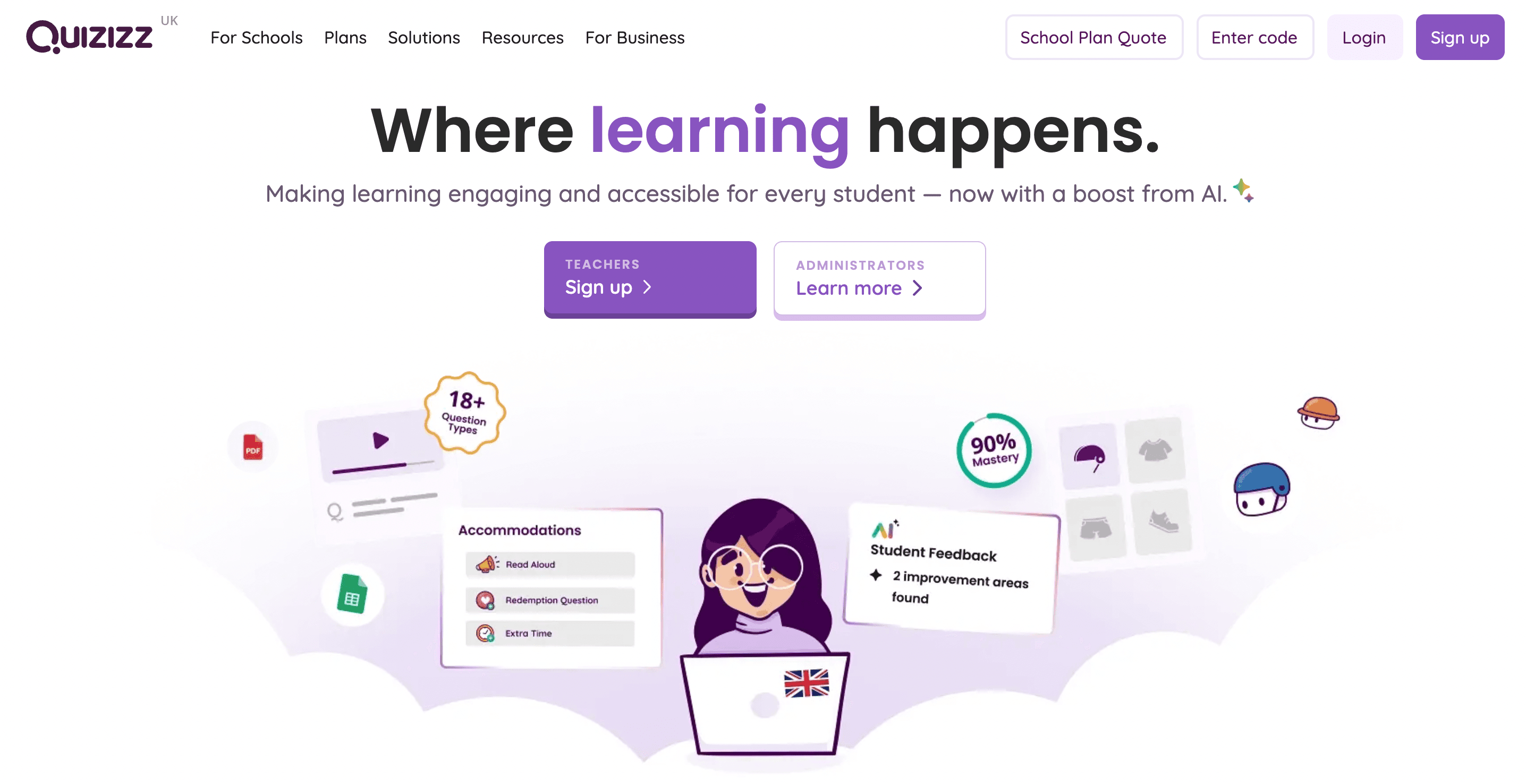
Quizizz is a web-based and mobile-compatible quiz platform designed to make learning interactive, fun, and student-paced. It blends gamification with academic rigor, enabling educators and trainers to create or assign quizzes to reinforce learning through play. Unlike traditional quizzes that feel intimidating or dry, Quizizz uses colorful interfaces, leaderboards, memes, and game mechanics to keep students engaged. Its core strength lies in allowing learners to complete quizzes at their own pace, whether in class live or asynchronously as homework.
How Does Quizizz Work? Here’s the Scoop!
Educators or trainers create a quiz or choose from Quizizz’s massive public quiz library. Participants join using a code, similar to a game lobby. The quiz can be launched in two modes:
- Live Mode is real-time group play (great for classrooms or workshops), and
- Homework Mode is a self-paced review (ideal for flipped learning, remote sessions, or after class).
After each question, users see whether they got it right and receive instant feedback. The platform displays fun memes, scores, and rankings to gamify the experience. In the end, teachers/trainers receive detailed reports on student or team performance.
Why Educators Love Quizizz? Check Out These Key Features!
Self-Paced Learning
- Students don’t have to wait for others—each player progresses through questions at their own pace, reducing pressure and improving focus.
Question Variety
- Multiple-choice
- Fill-in-the-blank
- Polls
- Open-ended responses
- Drop-downs and reordering (in premium plans)
This allows teachers to assess recall, reasoning, and reflection, not memorization.
Engagement Tools
- Leaderboards
- Avatars and game themes
- Power-ups and answer streaks
- Custom memes for right/wrong answers
Assignment Flexibility
- Assign quizzes as homework or pre-class prep
- Use during live lessons or review sessions
- Host challenges where students compete for top scores asynchronously
Robust Data & Reporting
- See how each student performed by question, topic, or session
- Identify learning gaps and high-performing areas
- Export results for grades, feedback, or parent communication
Integration Friendly
- Works smoothly with Google Classroom, Microsoft Teams, Canvas, and other LMS platforms
- Supports shared folders and collaboration for co-teachers or departments.
Accessibility & Compatibility
- Accessible on web browsers, iOS, and Android
- Optimized for both individual and group devices (e.g., 1:1 Chromebooks or shared smartboards)
Who is Quizizz Best For?
- Teachers (K–12, higher ed, vocational): Use it for formative assessment, lesson warmups, concept checks, or fun Fridays.
- Tutors & Test Prep Coaches: Assign quizzes to reinforce key concepts between sessions or track performance over time.
- Corporate Trainers: Use Quizizz to onboard new employees, run post-training reviews, or assess team understanding in remote environments.
- Students: Can use Quizizz independently to study topics, quiz themselves with public decks, or compete with peers.
Related Reading
- What Size Is a Flashcard
- Reason to Study With Flashcards
- How to Make a Flashcard
- How to Study With Flashcards
- Create Flashcards From Notes
What Is Kahoot?
Getting to Know Kahoot: A Learning Platform for the Next Generation
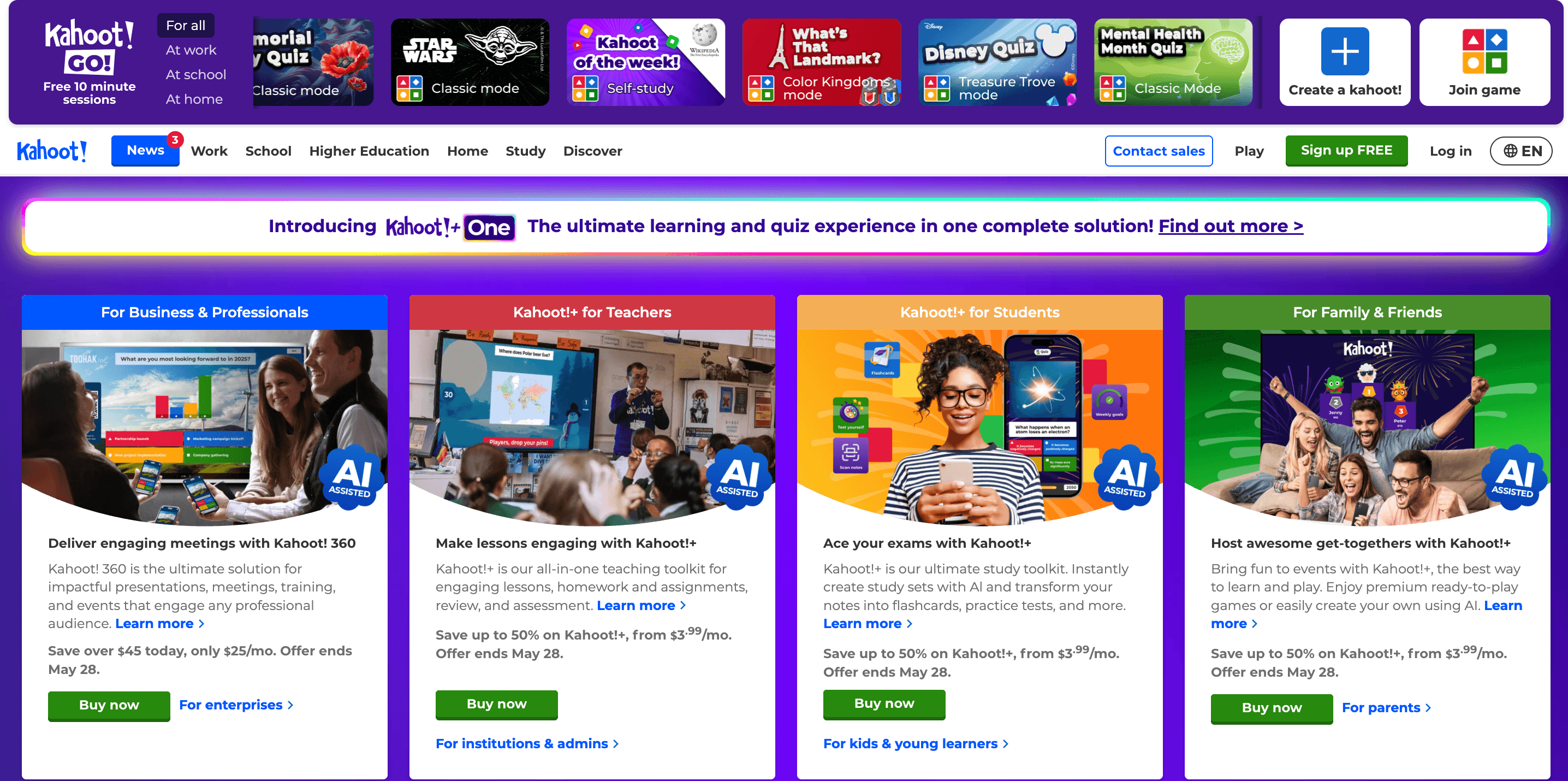
Kahoot is a gamified learning platform that allows educators, presenters, and trainers to host real-time, multiplayer quiz games. Participants join a live game using a PIN code and answer questions on their devices as the quiz plays out on a shared screen.
Every question is presented simultaneously for all players, and the time-limited, fast-paced environment adds a layer of excitement and urgency. Points are awarded based on correctness and speed, fueling competition and engagement.
How Kahoot Works: A Quick Overview
The host (e.g., a teacher or trainer) creates a Kahoot by entering questions and answers into the platform.
- A game PIN is generated and displayed on a projector or screen.
- Players join by entering the PIN on their own devices (phone, tablet, or computer).
- Everyone answers the same question within a countdown timer.
- Players receive immediate feedback, and a leaderboard updates after each round.
At the end, the top scorers are celebrated, and detailed results are available to the host.
The Key Features of Kahoot in 2025
Live Multiplayer Gameplay
Kahoot is designed for synchronous learning. All participants are part of the same session, making it ideal for:
- In-class reviews
- Corporate meetings
- Icebreakers and team-building sessions
Game-Show Feel
Countdown timers, music and animations, dynamic leaderboards, bonus streaks, and speed-based scoring all turn a quiz into an interactive experience.
Different Question Types in Kahoot
- Multiple-choice
- True/false
- Puzzles (reorder answers)
- Polls
- Slides (for delivering content between questions)
- Word clouds (for open-ended brainstorming)
Advanced Reports & Analytics
After each session, hosts can download a full report showing:
- Individual responses
- Question-by-question accuracy
- Engagement levels
- Participation statistics
Who is Kahoot Best For?
- Teachers (K–12 and higher ed): Great for end-of-lesson reviews, mid-topic recaps, or energizers before breaks. Often used during live instruction, not as homework.
- Corporate Trainers and Facilitators: Perfect for onboarding sessions, product training, or gamified learning events. Drives energy in team meetings or large-scale virtual events.
- Event Hosts and Workshop Leaders: Kahoot is frequently used to engage audiences at conferences, summits, and webinars.
- Students: Enjoy Kahoot’s competitive edge, visual design, and chance to see where they rank against peers in real time.
Transcript brings AI-powered study tools directly to students' fingertips, helping them tackle complex coursework more efficiently. Our platform features three core tools: instant scan-and-solve for any subject, an intelligent digital notebook, and an AI chat system that provides step-by-step explanations.
Simply scan your problem; our AI offers detailed, step-by-step solutions to help you learn faster and more effectively. Whether you're stuck on a complex equation or need help breaking down complicated concepts, Transcript transforms the way you study. Get answers for free with Transcript.
Quizizz vs. Kahoot

Live or Later: How Do You Want to Play?
Quizizz offers both live and self-paced modes. You can run a real-time game or assign it as homework, class prep, or individual practice.
Kahoot is designed primarily for live, synchronous play. Everyone sees and answers the same question at the same time. A self-paced “Challenge” mode exists but is more limited and lacks the depth of Quizizz’s homework system.
Bottom Line
Choose Quizizz if you need flexibility in pacing. Choose Kahoot if you thrive on real-time classroom or team energy.
Competition Style and Engagement Mechanics
Quizizz uses memes, avatars, music, streak bonuses, and power-ups to create a low-pressure but fun competitive environment. Players see questions independently on their devices and aren’t rushed by the group’s pace.
Kahoot offers a game-show-style experience: countdown timers, fast-paced questions, background music, and real-time leaderboards. It builds urgency and excitement, especially in group settings.
Bottom Line
Quizzzz is better for calm, personalized focus, while Kahoot is better for high-energy group experiences where adrenaline and competition matter.
Question Types and Formats
Quizizz supports a wide range of question types:
- Multiple-choice
- Open-ended
- Fill-in-the-blank
- Reordering Polls
- Checkbox (multi-select)
These help you assess different skills, from memory recall to written expression.
Kahoot includes:
- Multiple-choice
- True/False Puzzle questions (sequence/reorder)
- Polls Slides for content delivery
Kahoot focuses more on fast recognition and reaction time, not extended thinking.
Bottom Line
Quizizz wins for question variety and depth. Kahoot wins for straightforward, fast-paced quizzing.
Data & Student Analytics
Quizizz provides detailed student-level reports:
- Scores by question
- Response breakdowns
- Accuracy over time
- Growth reports across multiple assignments
These insights help identify learning gaps, strengths, and class-wide trends.
Kahoot offers post-game reports, but they are more summary-level, focusing on how players performed per session, less on long-term progression or individual mastery.
Bottom Line
Quizizz is ideal for longitudinal tracking and academic diagnostics. Kahoot is better for real-time session recap and fun, competitive feedback.
Ease of Use and Setup Time
Quizizz is highly intuitive and streamlined, even when assigning quizzes as homework. You can find a pre-made quiz, duplicate it, edit it, and assign it—all within minutes.
Kahoot is also easy to use but requires more real-time setup and attention, especially if you’re hosting multiple rounds or using presentation slides.
Bottom Line
Both are user-friendly, but Quizizz saves more time on prep if you're working with asynchronous learning or multiple classes.
Content Libraries and Pre-Made Quizzes
Quizizz has a vast library of academically aligned quizzes, especially for K–12 and core subjects (math, science, ELA, etc.). You’ll find teacher-curated decks ready to go. Kahoot has an enormous collection, but many are general knowledge, icebreakers, and trivia-style questions.
Bottom Line
Quizizz is better for structured academic review. Kahoot excels in engagement-heavy general knowledge games.
Platform Integrations and Device Access
Both work well across devices (phones, tablets, laptops) and integrate with tools like Google Classroom, Microsoft Teams, and Zoom. Quizizz has stronger tools for assigning and syncing grades with classroom platforms. Kahoot has smoother performance for extensive event participation and live hybrid sessions.
Bottom Line
Quizizz is stronger for teachers managing assignments over time. Kahoot is better for extensive, in-the-moment participation.
Transcript brings AI-powered study tools directly to students' fingertips, helping them tackle complex coursework more efficiently. Our platform features three core tools: instant scan-and-solve for any subject, an intelligent digital notebook, and an AI chat system that provides step-by-step explanations.
Simply scan your problem; our AI offers detailed, step-by-step solutions to help you learn faster and more effectively. Whether you're stuck on a complex equation or need help breaking down complicated concepts, Transcript transforms the way you study. Get answers for free with Transcript.
Related Reading
- How to Make Flashcards With Paper
- Best Way to Memorize Flashcards
- Best Way to Study Flashcards
- Best Flashcard App
- Best AI Flashcard Generator
- Best Flashcard App for Medical Students
Which One Is Better for You?

Quizizz vs. Kahoot: Which Is Better for You?
Many educators, trainers, and facilitators ask, "Quizizz or Kahoot?" The answer? It depends. Both tools are effective for learning and retention, but have different strengths. Understanding these differences can help you choose the best tool for your use case.
Choose Quizizz If You Value Flexibility and Personalization
Quizizz is best for you if:
- You need to assign quizzes as homework, revision, or flipped-class tasks.
- You want participants to go at their own pace.
- You rely on performance analytics to adjust future lessons.
- You teach academic subjects and want access to structured, curriculum-aligned question banks.
- You work in K–12, tutoring, or asynchronous training environments.
Why it works
Quizizz is ideal when you aim to reinforce learning through low-pressure engagement and gather individual-level data over time.
Choose Kahoot If You Thrive on Real-Time Interaction
Kahoot is best for you if:
- You host live classrooms, team events, or virtual workshops.
- You want to boost energy and attention quickly with a competitive edge.
- Your learners are motivated by speed, leaderboards, and live rankings.
- You’re focused on one-off sessions, icebreakers, or recap games.
- You want to combine slides and questions in a presentation format.
Why it works
Kahoot is perfect when you aim to spark participation and create a shared learning moment in real time.
But If You Want to Go Beyond Quizzes… Choose Transcript
If you’re looking for more than gamified reviews—and want a system that builds memory, mastery, and retention—you must look beyond Kahoot and Quizizz.
Transcript is an AI-powered study tool that automatically turns class notes, lectures, or lesson transcripts into intelligent flashcards and quizzes. It's built not just for fun, but for real learning outcomes.
Why Transcript may be better for your needs:
- You don’t just want engagement—you want students to retain and apply what they learn.
- You’re tired of manually writing review questions or flashcards.
- You want to track not just participation but also topic-by-topic mastery.
- You need a tool that adapts to each learner’s weak areas.
- You work with learners preparing for exams, certifications, or complex topics (e.g., medicine, law, science).
Quizizz and Kahoot keep learners interested. Transcript helps them remember.
Get Answers for Free Today with Transcript
Transcript brings AI-powered study tools directly to students' fingertips, helping them tackle complex coursework more efficiently. Our platform features three core tools: instant scan-and-solve for any subject, an intelligent digital notebook, and an AI chat system that provides step-by-step explanations.
Simply scan your problem; our AI offers detailed, step-by-step solutions to help you learn faster and more effectively. Whether you're stuck on a complex equation or need help breaking down complicated concepts, Transcript transforms the way you study. Get answers for free with Transcript.
Related Reading
- Quizizz vs. Quizlet
- Kahoot vs. Blooket vs. Quizizz
- Quizlet vs. Anki
- Memrise vs. Anki
- Knowt vs. Quizlet
- Kahoot vs. Quizlet