Knowt vs. Quizlet
How to memorize flashcards effectively is important because memorizing flashcards can be tedious. Sure, simple front-and-back cards have helped students study for decades, but studying with flashcards doesn’t have to be boring. Digital flashcards help students learn faster and retain information longer.
Quizlet and Knowt are flashcard software that help students create and study digital flashcards. This guide will help you understand how each platform works to help you know Knowt vs. Quizlet. Knowt isn’t the only tool that can help you study flashcards. Transcript is an AI study tool that quickly creates and reduces transcripts to help students study efficiently.
What Is Knowt?
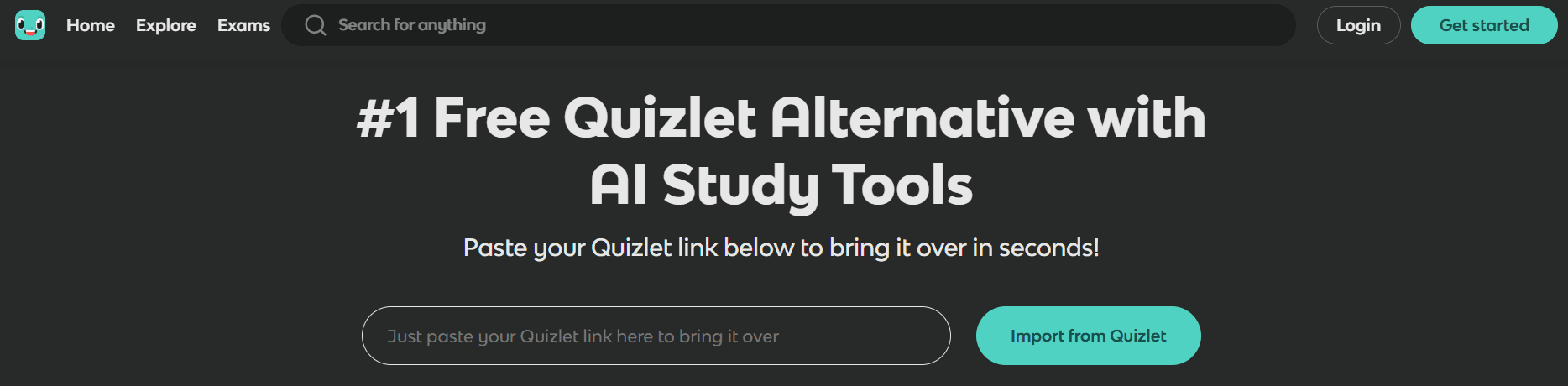
Knowt is an innovative study platform designed to automate studying by transforming your content—notes, documents, slide decks—into flashcards, quizzes, and personalized review plans. It eliminates the need to type out Q&A pairs or search for pre-made decks by using AI to analyze your material and create revision tools instantly. Instead of being a flashcard app, Knowt acts as your study workspace, offering everything from note-taking to memory tracking in one streamlined interface.
How Does Knowt Work?
First, you upload or create your notes directly in Knowt’s built-in note editor. You can import class notes, Google Docs, Word documents, PDFs, or PowerPoint slides. Knowt formats your text for easier parsing, so the more organized your notes are, the better. Next, the platform uses AI to scan your content and automatically create study materials like flashcards (front/back format), multiple-choice quizzes, fill-in-the-blank questions, and proper/false exercises. This helps students focus on what they haven’t learned yet, not just what they already know.
Key Features of Knowt (2025 Edition)
- AI-Powered Flashcard & Quiz Generator: No need to write questions—Knowt builds them from your content.
- Integrated Note-Taking System: You can highlight, format, and organize notes as you type—then click a button to turn them into study tools.
- Multi-Format Study Sessions: Switch between flashcards, quizzes, and typing exercises for flexible learning styles.
- Spaced Repetition Engine: Knowt schedules review sessions based on your memory strength, helping you retain information longer.
- Import Support: Compatible with files from Google Docs, Word, PowerPoint, and other school-related sources.
- Study Calendar & Reminders: Keeps track of upcoming assignments and recommends when to study based on upcoming exams or topic difficulty.
- Class & Collaboration Tools: Teachers and students can share decks, assign quizzes, and monitor class-wide performance (especially useful for group study or educators).
Who Is Knowt Best For?
Knowt is ideal for high school and college students who take digital notes and want to turn them into practical study tools. It's also perfect for learners who are short on time and don’t want to create flashcards manually. These visual and structured thinkers like to see their progress mapped, test-takers who want personalized quiz sessions and spaced repetition without configuring anything manually, and students managing multiple subjects who need a central hub for notes, quizzes, and memory tracking.
Why Students Are Switching to Knowt
Students are switching to Knowt because it reduces the effort needed to prepare for a test—just upload your material and start reviewing. It combines note-taking, flashcard creation, and review scheduling—so you don’t need three separate apps. It’s built with the realities of school life in mind: multiple classes, limited time, and the need to study smarter, not harder. Unlike older flashcard apps, Knowt doesn’t require manual deck building—it adapts to how you already study.
Related Reading
- What Size Is a Flashcard
- Reason to Study With Flashcards
- How to Make a Flashcard
- How to Study With Flashcards
- Create Flashcards From Notes
What Is Quizlet?
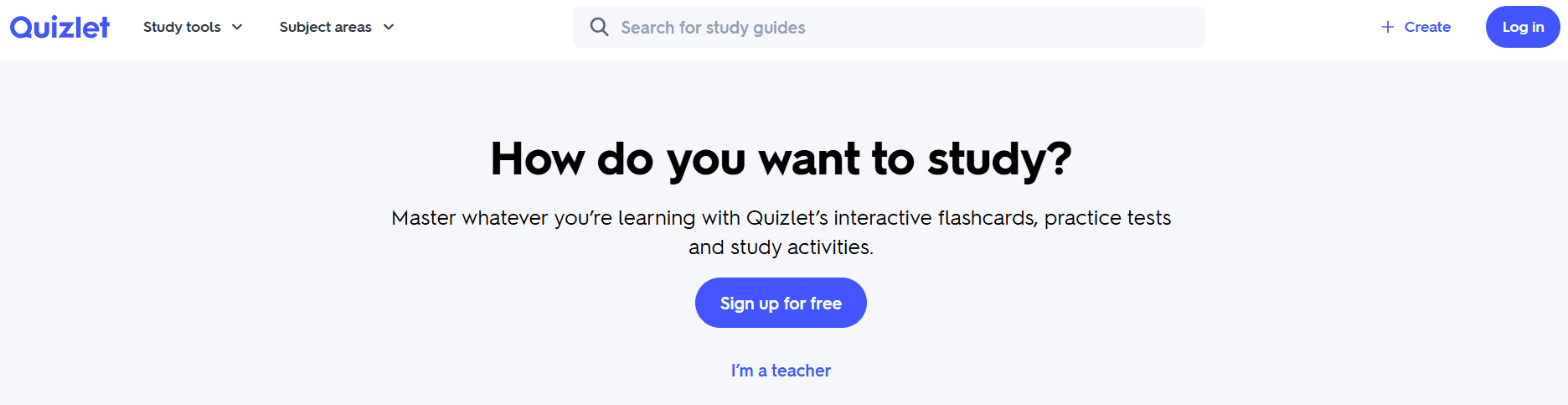
Quizlet is a popular online learning tool that allows users to create and study flashcards and interactive quizzes on virtually any topic. Known for its simplicity and massive public deck library, Quizlet helps students reinforce memory using various modes like flashcard flipping, timed games, spelling tests, and adaptive quizzes. Over the years, Quizlet has added features such as AI-generated flashcards, smart progress tracking, and Learn mode (its version of spaced repetition), making it more than just a flashcard viewer. In 2025, it’s used by millions of students for vocab-heavy subjects, test prep, and quick revision.
How Quizlet Works
Quizlet’s massive database of flashcard decks can be a game changer for student study sessions. Here’s how it works:
First, you can create your own flashcard sets from scratch or use Quizlet’s AI flashcard generator by pasting in notes, textbook content, or definitions. Alternatively, you can browse millions of user-generated decks organized by subject (e.g., biology, SAT vocab, anatomy, foreign languages).
Next, you’ll choose a study mode. Quizlet offers plenty of interactive ways to learn your flashcards, including:
- Flashcards: The standard front and back format.
- Learn: An adaptive quiz mode that helps reinforce weak topics (it uses light spaced repetition).
- Write: Type the answers from scratch to reinforce active recall.
- Spell: Listen and type what you hear (great for languages).
- Match: A timed game to connect terms and definitions.
- Test: Auto-generates quizzes in multiple formats (MCQ, written, T/F).
Finally, Quizlet tracks your progress and retention. For example, Learn mode adapts based on your correct and incorrect answers. Premium users get analytics, personalized study paths, and review reminders.
Key Features of Quizlet (2025 Edition)
Here’s a closer look at some of the features that make Quizlet so great for studying:
- Manual and AI Flashcard Creation: Quizlet gives you complete control whether building decks from scratch or letting the AI auto-generate cards.
- Massive Content Library: One of Quizlet’s strongest features is its public database of study sets, created by students, teachers, and tutors worldwide.
- Interactive Study Modes: Choose how you want to learn: games, typing, quizzes, or flashcards. Different modes help reinforce different types of memory (visual, auditory, kinesthetic).
- Built-In Audio and Images: Add photos to cards and use automated text-to-speech for most languages, which is particularly helpful for pronunciation and language practice.
- Premium Features: Detailed progress tracking and innovative suggestions; Learn mode with adaptive spacing and focus on incorrect answers; offline access; custom class setup for teachers.
- Cross-Platform Accessibility: Use on desktop, iOS, Android, or inside integrated platforms like Google Classroom and Microsoft Teams.
Who Is Quizlet Best For?
Quizlet is ideal for:
- Students in middle school through college who need to quickly memorize facts, vocabulary, or formulas.
- Language learners, especially for beginner and intermediate vocabulary.
- Test prep students studying for the SAT, GRE, MCAT, and other content-heavy exams.
- Teachers who want to share review materials with their class.
- Learners who enjoy visual review, interactive modes, and pre-built content.
Why Quizlet Is Still Popular in 2025
Quizlet has an enormous user community, meaning students can often find exactly what they need without making anything from scratch. It’s simple, highly visual, and great for short study sessions or last-minute revision. Recent AI upgrades now let students generate flashcards with less effort. Quizlet covers nearly every subject, from math to history to AP Psych to Chinese vocabulary.
Knowt vs. Quizlet

Flashcard Generation: Who Makes the Best Study Aids?
Knowt’s flashcard generation is hard to beat. The site automatically creates flashcards from your uploaded content—notes, Google Docs, PDFs, or presentations. You can also write directly in Knowt’s note editor and generate flashcards or quizzes instantly. Best of all, all flashcards are based on your material, not generic terms.
Quizlet also lets you create flashcards manually or by pasting in text, which its AI uses to generate terms and definitions. However, it doesn’t support uploading long-form notes or files like Knowt does. Instead, Quizlet focuses more on standalone decks than direct integration with notes.
Verdict
Choose Knowt if you want to study directly from your class notes or documents. Choose Quizlet for fast creation from short definitions or textbook snippets.
Study Modes and Review Variety: Who Makes Learning More Fun?
Knowt offers three primary study tools to help learners master their material:
- Flashcards (traditional flip style)
- AI-generated quizzes (MCQs, T/F, fill-in-the-blanks)
- Spaced repetition reviews based on your performance
- All review modes are generated from your materials.
Quizlet, on the other hand, offers a variety of interactive modes:
- Flashcards Learn (adaptive review with memory tracking)
- Write (type your answer)
- Match game (connect terms/definitions under time pressure)
- Test (auto-generates a quiz using your set)
While studying with Quizlet feels more dynamic and engaging, it may lack context if you didn’t create the cards yourself.
Verdict
Quizlet wins for variety and fun study options. Knowt wins for alignment with your actual coursework and mastery-focused review.
Content Source & Pre-Made Decks: Who’s Got the Goods?
Knowt is primarily focused on student-generated content from class materials. The site has a growing library of decks, but it’s not as extensive as Quizlet’s. Knowt is best used when you have your content to start with.
On the other hand, Quizlet is home to millions of pre-made decks from students, educators, and textbooks. You can search any subject or topic and find a relevant study set. This includes AP courses, GRE vocab, anatomy, math formulas, and more.
Verdict
Choose Quizlet for fast access to ready-to-use content. Use Knowt for personalized study from your material.
Integration with Notes & Class Materials: Who Plays Well with Others?
Knowt has a built-in note-taking platform. With a single click, your notes become flashcards and quizzes. You can upload PowerPoint, Word Docs, Google Docs, and more. This feature is ideal for syncing your class workflow directly into your study routine.
Quizlet does not have a native note editor. Instead, you create flashcards manually or use AI to assist from short copied text. It’s not designed for complete document conversion.
Verdict
Knowt is better for students who take digital notes or rely on slides, worksheets, or handouts. Quizlet is better for quick deck creation or fast review sessions.
Memory Tracking and Retention: Who Helps You Remember Longer?
Knowt offers a mastery dashboard that highlights how well you know each topic. The platform uses spaced repetition and adaptive review to show how your memory strength changes. This feature is ideal for students preparing for exams with large content loads.
Quizlet also helps you track your memory retention. Learn Mode tracks what you got right/wrong and focuses on weak areas. However, progress tracking and innovative suggestions are locked behind Quizlet Plus, which requires a paid subscription. This makes Quizlet suitable for lightweight review, but limited unless you pay.
Verdict
Knowt gives you full mastery tracking for free. Quizlet offers good analytics, but primarily for premium users.
User Interface and Accessibility: Whose Easier to Get Along With?
Knowt has a modern, minimalist dashboard that’s focused on note-study integration. Everything (notes, cards, quizzes) is in one clean workspace. It works on the web and mobile devices (iOS and Android).
Quizlet also has a polished and visually engaging interface. Its study modes are laid out clearly, making them easy to search, preview, and organize. Quizlet is highly optimized for mobile, with fast syncing and offline access (premium).
Verdict
Both have excellent designs. Knowt is better for workflow organization, while Quizlet is better for deck discovery and mobile-first users.
The Potential of AI in Memorizing Content: Get to Know Transcript
Transcript brings AI-powered study tools directly to students' fingertips, helping them tackle complex coursework more efficiently. Our platform features three core tools: instant scan-and-solve for any subject, an intelligent digital notebook, and an AI chat system that provides step-by-step explanations.
Simply scan your problem; our AI provides detailed, step-by-step solutions to help you learn faster and more effectively. Whether you're stuck on a complex equation or need help breaking down complicated concepts, Transcript transforms the way you study. Get answers for free with Transcript.
Which Should You Use?

Choose Knowt If You Want to Study Directly From Your Materials
Knowt shines if you prefer studying from your materials instead of generic flashcards. This is ideal if you rely on class notes, Google Docs, lecture slides, or PDF handouts. With Knowt, you can automatically generate quizzes and flashcards from these materials to help you learn faster. An AI study tool like Knowt will help you create personalized flashcards reflecting your curriculum. This beats studying from public decks on sites like Quizlet that don’t cover your exact topics and can introduce unnecessary confusion. If you want to create your study content to prepare for an upcoming test, Knowt is the way to go.
Choose Knowt If You Need Retention-Based Learning, Not Just Memorization
Knowt isn’t just about creating flashcards and quizzes to help you memorize. Instead, it focuses on helping you retain information over time. If you want to track what you don’t know, not just shuffle flashcards, Knowt is your tool. Its mastery dashboard shows what topics you must revisit to improve your scores. This makes it ideal for anyone wanting smart revision based on their coursework.
Choose Knowt If You Value Automation But Still Want Content That Reflects Your Actual Curriculum
Knowt helps you save time with automation that creates flashcards and quizzes from your study materials. If you’re tired of searching public decks and prefer studying from material you trust, Knowt is perfect for you. This is especially helpful for learners with multiple classes and loads of lecture-based content, and those who need to prepare for unit tests or finals from teacher-given notes.
Choose Quizlet If You Prefer Instant Access to Pre-Made Decks
Quizlet is great if you want to quickly search for “Biology Chapter 2 Review” or “SAT Vocabulary Set 1” and start studying in seconds. Unlike Knowt, there’s no setup time to start studying with flashcards on Quizlet. This is especially helpful if you have an upcoming test tomorrow and must cram as much as possible. Open Quizlet, search for a relevant public deck, and start learning.
Choose Quizlet If You Enjoy Study Variety and Games
Quizlet is the best choice for studying flashcards in a game-like environment. It offers a variety of modes to help you learn, including typing games, matching challenges, and auto-generated practice tests. You'll enjoy studying with Quizlet if you’re motivated by interactive repetition and visual cues.
Choose Quizlet If You Need Something Lightweight for Daily Review
If you want a tool you can open on your phone, study 10 cards, and log off, choose Quizlet. This no-frills design is perfect for users wishing to quickly review flashcards on the go without any distractions. You can also study offline, allowing you to pull up flashcards anywhere, even without an internet connection.
Choose Quizlet If You Want to Join What Your Classmates Are Already Using
Quizlet’s public library and class features make collaboration easy. If your classmates are already using the tool to study for an upcoming test, it’s probably a good idea to join them. Teachers often recommend or assign sets through Quizlet, too. If you want to study what your classmates are studying, choose Quizlet.
But If You Want the Best of both—Use the Transcript.
Transcript brings AI-powered study tools directly to students' fingertips, helping them tackle complex coursework more efficiently. Our platform features three core tools: instant scan-and-solve for any subject, an intelligent digital notebook, and an AI chat system that provides step-by-step explanations.
Simply scan your problem; our AI provides detailed, step-by-step solutions to help you learn faster and more effectively. Whether you're stuck on a complex equation or need help breaking down complicated concepts, Transcript transforms the way you study. Get answers for free with Transcript.
Related Reading
- How to Make Flashcards With Paper
- Best Way to Memorize Flashcards
- Best Way to Study Flashcards
- Best AI Flashcard Generator
- Best Flashcard App for Medical Students
- Quizizz vs. Kahoot
- Best Flashcard App
Get Answers for Free Today with Transcript
Transcript brings AI-powered study tools directly to students' fingertips, helping them tackle complex coursework more efficiently. Our platform features three core tools: instant scan-and-solve for any subject, an intelligent digital notebook, and an AI chat system that provides step-by-step explanations.
Simply scan your problem; our AI provides detailed, step-by-step solutions to help you learn faster and more effectively. Whether you're stuck on a complex equation or need help breaking down complicated concepts, Transcript transforms the way you study. Get answers for free with Transcript.