5 Best Writer.com AI Detectors in 2025
In the age of AI, writing tools like ChatGPT can make it easier to create content. However, this raises questions about the authenticity of student writing. Many educators worry that students will use these tools to cheat or submit assignments without being caught
To prevent this, many universities are now looking for ways to detect AI-generated writing. Can Universities Detect ChatGPT? This is where tools like the Transcript AI study tool and the Writer.com AI Detector come in. In this guide, we'll introduce five of the best AI detection tools for students in 2025.
What Is Writer.com AI Detector and Why Are People Looking for Alternatives?

What Is the Writer.com AI Detector and Why Was It Developed?
Writer.com is primarily known as an enterprise-grade writing platform focused on brand-aligned content creation. In response to the rise of generative AI, the platform launched its free AI Content Detector to help users determine whether a piece of text was written by a human or AI (e.g., ChatGPT, Jasper, Bard, Claude, etc.).
Here’s what Writer.com’s AI Detector aims to do
- Detect AI-generated writing based on linguistic patterns and probability.
- Provide a “Likely AI / Likely Human” verdict for each input.
- Help educators, hiring managers, and content teams flag unoriginal or automated content.
The tool gained popularity for its simplicity — simply paste in your content and get a result in seconds.
Why Are Students and Educators Seeking AI Detection Alternatives?
Despite its ease of use, Writer.com’s AI Detector has significant limitations that have become more apparent as AI writing has become more nuanced — and as the consequences of false detection have become more serious. Here’s why many are switching:
Accuracy Is Often Questionable
Writer.com’s detector can flag human-written content as AI, especially if the language is polished or formal. It struggles with paraphrased content, summaries, and academic essays — often labeling original writing as suspicious. Users on Reddit and Twitter have reported inconsistent results when testing the duplicate content across different detectors.
Lack of Transparency
Writer.com’s AI Detector does not explain why a score is given — no sentence-level analysis, no detection confidence, and no breakdown of “AI-like” patterns. This makes it hard for users (especially students) to challenge or understand false flags.
One-Size-Fits-All Scanning
The tool doesn’t adapt based on writing style, subject matter, or context. Whether you’re writing a creative story, a scientific essay, or a LinkedIn post, the same detection logic applies. That’s a problem in 2025, when writing is increasingly hybrid (human-written with AI-assistance) and context matters.
No Learning Support
Unlike platforms like Transcript, Writer.com’s AI detector only indicates whether something is likely to be AI-generated. It doesn’t help you:
- Understand the material
- Improve your writing
- Avoid future false positives
- As a result, students are left anxious rather than educated.
Risk of Over-Reliance in Academia and Work
In schools and workplaces, tools like Writer.com are sometimes used to police rather than support learning. When students are flagged unfairly, it can:
- Harm academic trust
- Lead to unnecessary rework
- Causes stress or even disciplinary issues
Related Reading
5 Key Features to Look for in a Modern AI Detector

1. High Accuracy Across Content Types: No One Wants to Be Wrong
AI detectors must recognize different styles and purposes — from casual blog posts to technical research papers.
A good detector today should
- Handle long-form and short-form writing,
- Understand paraphrased or summarized content
- Distinguish between content assisted by AI vs. entirely generated by AI.
2. Confidence Scoring With Explanation: Ditch the Gimmicky Scores
Modern users want more than just a verdict like “68% AI.”
They need
- Sentence-level analysis showing where AI traits are detected
- Clear breakdown of why the text was flagged
- Language transparency: Does it flag based on tone? Structure? Overuse of passive voice?
3. Context Awareness: The Smarter, the Better
Old-school detectors treat all writing the same.
Modern ones should
- Recognize genre, context, and voice (e.g., a personal essay vs. a textbook summary)
- Avoid flagging student-written notes or study materials as AI simply because they are well-structured or clear.
4. Low False Positive Rate: Protecting Student Work
A significant problem with many tools (including Writer.com) is flagging human work as AI.
Inaccurate flags can lead to
- Lost grades
- Wasted time rewriting
- Unfair academic penalties
A good AI detector should prioritize protecting genuine student work.
5. Multilingual Detection (If Needed): Global Needs for a Global Problem
For international students and global teams, tools must be able to detect AI-generated content in multiple languages. Many detectors still only work reliably in English.
Integration With Writing & Learning Tools: Smooth Solutions
Today’s users don’t just want a standalone scanner.
Best-in-class tools offer
- Chrome extensions
- Google Docs / Word add-ons
- LMS (Learning Management System) plugins
Some platforms even provide plagiarism + AI detection in one, like Copyleaks.
Privacy and Data Security: Keeping Your Work Safe
Students and professionals want to know
- Is my content being stored?
- Will it be used to train another AI model?
- Are my documents private?
A modern tool should commit to not storing or misusing user data.
Top 5 Writer.com AI Detector Alternatives in 2025
1. Transcript – The Smarter Alternative to Detection
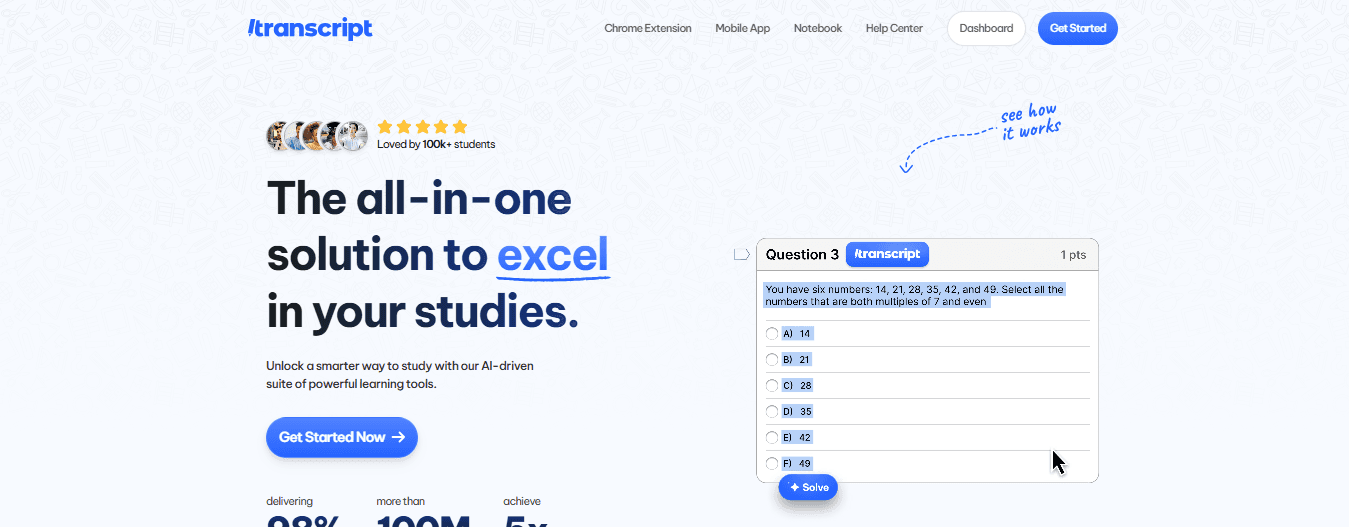
Forget about AI detectors like the Writer.com AI Detector. The transcript is here to help you learn better, so you can write smarter without relying on AI. What is Transcript? Transcript isn’t an AI detector — it’s something better. It helps students learn their material more deeply, enabling them to write their essays and assignments confidently, without relying on ChatGPT drafts or paraphrased AI content that gets flagged.
Key Features
- Scan-and-study system: Just upload your lecture slides, class notes, or textbooks.
- Instant AI-generated flashcards, summaries, quizzes — based on your material.
- Built-in chat that explains complex topics step-by-step — without writing for you.
- No generic AI writing, so your final work is truly human — and passes any detector.
Why is it better than Writer.com?
Instead of constantly worrying about AI detection tools, Transcript enables students to learn more effectively and write more intelligently, so they never get flagged in the first place. Students using Transcript don’t need to “beat” detection — they bypass it by producing genuinely original work backed by real comprehension.
2. Writesonic AI Detector
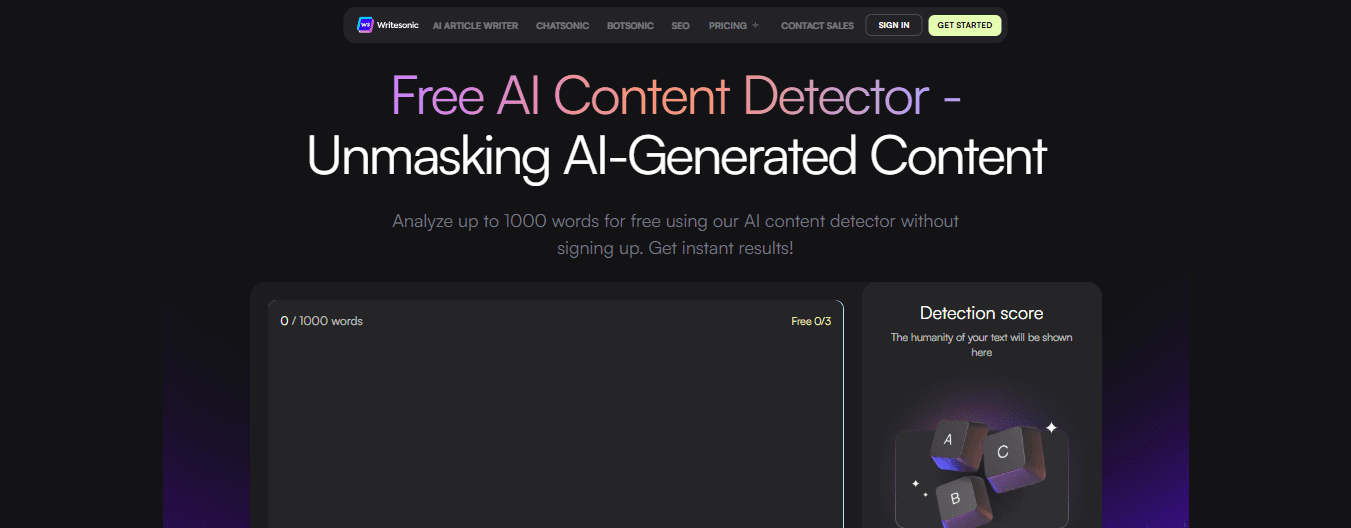
Writesonic is best known as an AI writing platform, but in 2025, it will include an upgraded AI content detector.
Key Features
- Offers sentence-level detection analysis.
- Highlights suspected AI portions with clarity.
- Works best when combined with Writesonic’s other writing tools.
Pros
- Fast and clean interface.
- Free for moderate use.
- Offers tips to rewrite flagged sections.
Cons
- Less reliable on long academic texts.
- It can be inaccurate when detecting AI-assisted rewrites.
3. Jasper AI Content Detector
Jasper is a high-end AI writing assistant platform with an integrated content detector for marketing and professional writing.
Key Features
- Analyzes tone, structure, and predictability.
- Detects fully AI-generated vs. human-edited content.
- Built for marketers, but now also used in education.
Pros
- Very nuanced analysis for persuasive writing.
- Works well on short-form content.
Cons
- Less effective for student essays or technical writing.
- Premium-only features — not ideal for casual or budget-conscious users.
4. Anyword AI Detection Scanner
Anyword offers predictive analytics for AI writing and includes a growing content detection suite.
Key Features
- Predicts performance and human-likeness of text.
- Offers rewrite suggestions and scoring.
- Designed for ad copy, but expanding into general writing.
Pros
- Good at spotting templated AI writing.
- Advanced scoring system for marketers.
Cons
- Not designed initially for academic writing.
- May miss subtler GPT-assisted essays.
5. Wordtune AI Detector
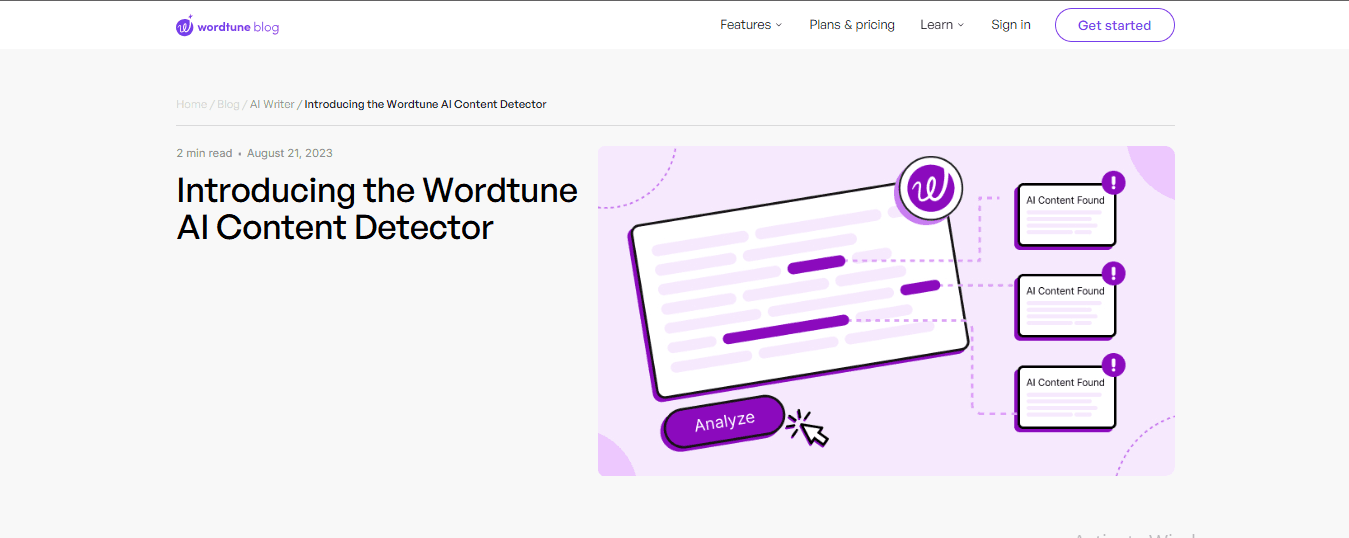
Wordtune is a popular writing enhancer tool that now features a light AI detection component, designed to catch overly robotic phrasing.
Key Features
- Flags unnatural sentence structure and tone.
- Helps rephrase flagged content more naturally.
- Good integration with Chrome and Google Docs.
Pros
- Excellent for reworking content to “sound human.”
- Helpful for non-native speakers or ESL students.
Cons
- More of a rewrite enhancer than a whole detector.
- Doesn't offer complete AI scoring or breakdowns.
Transcript: The AI-Powered Study Tool College Students Need
Transcript brings AI-powered study tools directly to students' fingertips, helping them tackle complex coursework more efficiently. Our platform features three core tools: instant scan-and-solve for any subject, an intelligent digital notebook, and an AI chat system that provides step-by-step explanations. Simply scan your problem, and our AI offers detailed, step-by-step solutions to help you learn more effectively and efficiently. Whether you're stuck on a complex equation or need help breaking down complicated concepts, Transcript transforms the way you study. Get answers for free with Transcript.
Related Reading
Get Answers for Free Today with Transcript
Transcript is an AI-powered study tool that helps students tackle complex assignments across every subject. The platform features three core tools: instant scan-and-solve for any subject, an intelligent digital notebook, and an AI chat system that provides step-by-step explanations. Simply scan your problem, and our AI offers detailed, step-by-step solutions to help you learn more effectively and efficiently. Whether you're stuck on a complex equation or need help breaking down complicated concepts, Transcript transforms the way you study. Get answers for free with Transcript.