Top 5 Scribbr AI Checker Alternatives in 2025
You finish writing your paper, take a deep breath, and hit submit. But then you remember. Wait, did I use AI to help write this paper? Did I use AI to help write this paper? Did I use AI to help write this paper? What if my professor finds out? In a world where artificial intelligence (AI) tools like ChatGPT can generate text in seconds, it's natural to worry about how these tools could impact your grades.
Can Universities Detect ChatGPT? What happens if your university detects that you've used AI to help write your paper? What if they penalize you for it? This guide will help alleviate your concerns by examining one of the tools that can detect AI-generated writing, such as Scribbr AI Checker. Specifically, we’ll explore its features, pros and cons, and look at some alternatives you can use in 2025.
Transcript’s AI study tool helps students go beyond AI detection, transforming how they study, review class content, and prepare for exams.
What Is Scribbr AI Checker and Why Do Students Use It?
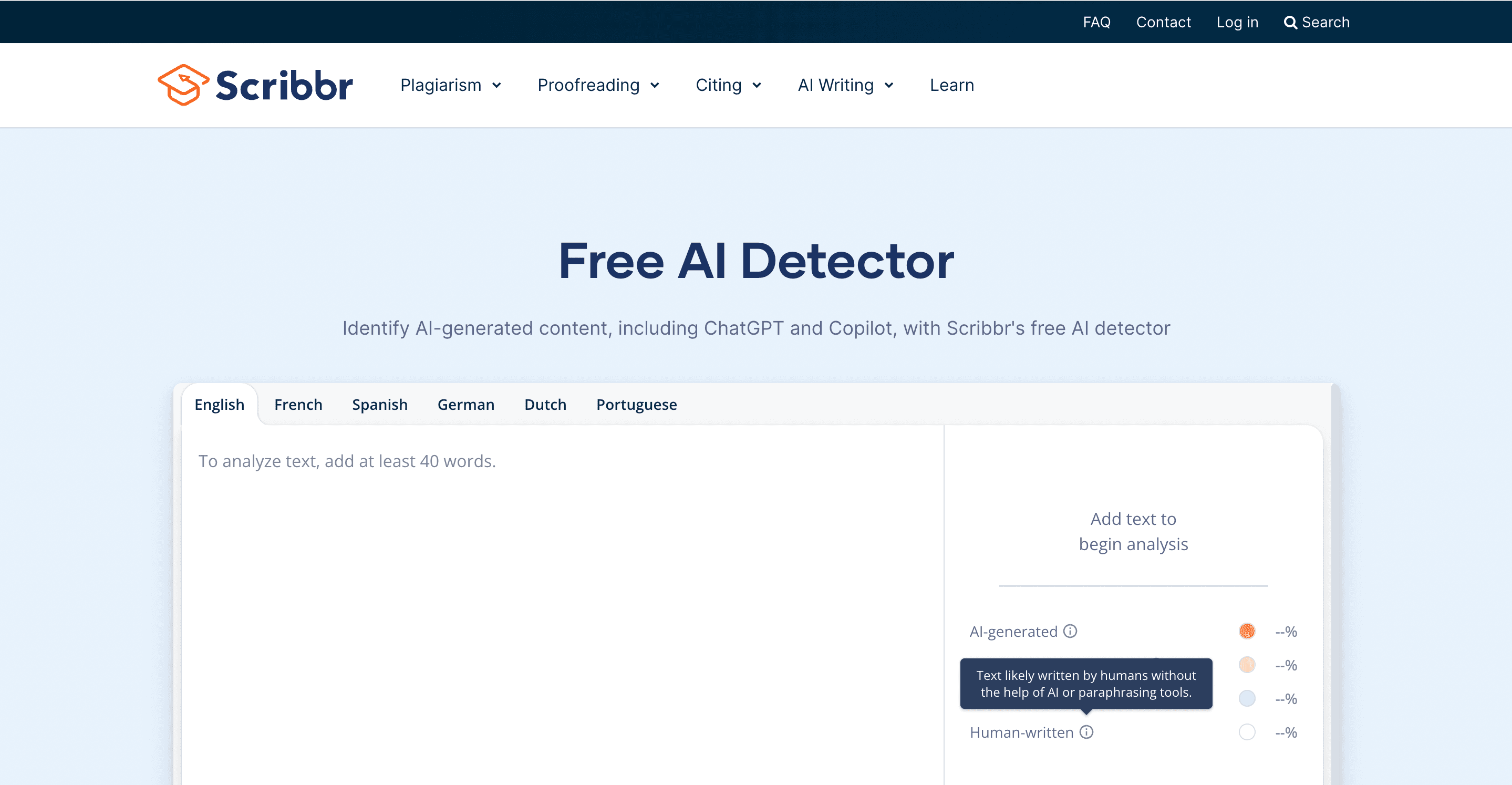
What Is Scribbr AI Checker?
Scribbr is an academic assistance platform that helps students improve their writing for assignments and papers. Initially, Scribbr focused on proofreading, plagiarism detection, and citation generation. Recently, however, it has added an AI detection feature that evaluates whether your content has been partially or entirely generated using large language models, such as ChatGPT, Claude, or Gemini.
The Scribbr AI Detector works by analyzing the patterns and structure of your writing, checking:
- Predictability of phrasing
- Syntactic repetition
- Sentence complexity and logic
- Text rhythm and “burstiness”
It then provides a probability score or judgment that suggests how likely the content is to have been written by an AI. This tool can help students, educators, and academic editors evaluate writing for potential AI contribution.
Why Do Students Use Scribbr AI Checker?
Most students today use tools like ChatGPT, either to brainstorm, draft, or paraphrase content. But with the rise of AI detection policies in universities, many students now feel the pressure to:
- Ensure their submissions won’t be flagged
- Rewrite AI-generated text into human-like writing
- Maintain academic credibility, especially in essay-heavy courses
So they turn to Scribbr to:
- Check assignments before uploading to Turnitin or Canvas
- Verify that paraphrased or edited AI text sounds human enough
- Avoid getting caught in an AI usage dispute with instructors
- Pre-screen content created using AI writing assistants
For many students, Scribbr serves as a final checkpoint to prevent accidental academic violations.
Limitations of Scribbr AI Checker
While Scribbr provides useful detection features, it has key limitations, particularly for students seeking tools that do more than just reactively catch errors.
Paywalled Access
While Scribbr offers some free tools, the AI detection feature is often locked behind a paywall or limited in usage unless you subscribe.
No Learning Support
Scribbr only tells you what might be AI, but it doesn’t help you:
- Rewrite flagged content
- Understand your subject
- Break down difficult readings or summarize notes
No Personalization
Unlike study-focused platforms, Scribbr doesn’t personalize output based on your course, topic, or difficulty level.
Limited Feedback
Scribbr typically provides a probability score without much explanation. Students may still feel unsure how to fix the issue.
Related Reading
6 Key Features to Look for in a Scribbr AI Checker Alternative

AI writing is now a standard part of the study process; students use it to brainstorm, paraphrase, summarize, or draft responses. However, that convenience comes with risks: schools are adopting AI detection policies on a large scale.
Submitting content flagged as “AI-generated” can lead to disciplinary actions. Many students feel unsure about how tools like Turnitin, GPTZero, or Scribbr will interpret their AI-assisted work. That’s why choosing an AI checker isn’t just about scanning it’s about trust, usability, and accuracy.
1. Accurate AI Detection (Including GPT-4 and Gemini Support)
The tool must reliably detect content created by the newest AI models. Some free tools only recognize GPT-3, while newer content from GPT-4 or Gemini may go undetected or misidentified. Ideal tools are updated regularly to keep up with evolving model output patterns.
2. Sentence-Level Highlighting and Explanations
Instead of just saying “63% AI-generated,” better tools highlight specific sentences and explain why they were flagged. This helps students know exactly what to revise. It adds clarity and builds trust in the results, especially for borderline cases.
3. Plagiarism + AI Detection Combo (for Academic Use)
Many assignments may contain both AI-rewritten and paraphrased text. A robust tool should flag both traditional plagiarism and AI-generated probability. This dual-layered check is proper when submitting to platforms like Turnitin, which scan for both plagiarism and originality.
4. Support for Multiple Formats (e.g., .docx, .pdf, Google Docs)
A modern AI checker should accept multiple input types, not just copy-paste text. This is particularly important for students working on essays, reports, or uploading lecture notes. Bonus: Direct Google Docs integration or browser extensions make it even easier.
5. Transparent Scoring System
Users need to understand what “AI-likeness” means, not just a mysterious percentage. Look for tools that explain what perplexity and burstiness are, how sentence structure influences scores, and how the tool evaluates semantic coherence. This demystifies the checker and makes it more useful as a feedback tool, not just a gatekeeper.
6. Optional Learning or Revision Support
Some of the best alternatives go beyond detection and offer features that help students correct the flagged text or gain a deeper understanding of the subject. These may include AI rewriting suggestions, paraphrasing modes, citation and grammar checks, and even note-to-flashcard conversion (like Transcript.study). While not all AI checkers do this, those that do offer real academic support, not just warnings.
Transcript brings AI-powered study tools directly to students' fingertips, helping them tackle complex coursework more efficiently. Our platform features three core tools: instant scan-and-solve for any subject, an intelligent digital notebook, and an AI chat system that provides step-by-step explanations.
Simply scan your problem, and our AI offers detailed, step-by-step solutions to help you learn faster and more effectively. Whether you're stuck on a complex equation or need help breaking down complicated concepts, Transcript.study transforms the way you study. Get answers for free with Transcript.
Top 5 Scribbr AI Checker Alternatives in 2025
1. GPTZero: A Quick and Free Tool for AI Content Detection
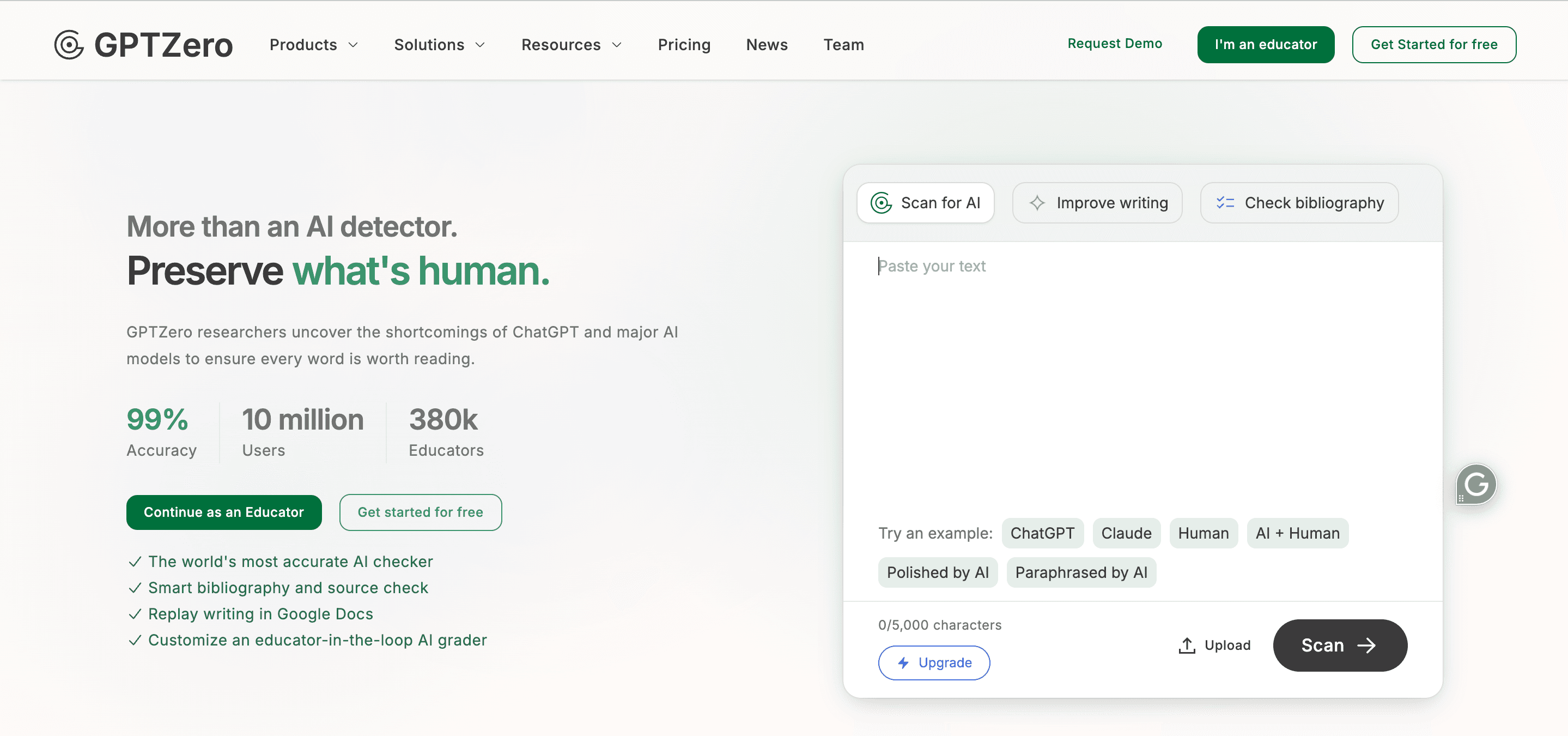
GPTZero is one of the most popular standalone AI content detectors, used by both students and educators. It was one of the first tools built to detect text written by ChatGPT and similar models specifically.
Key Features
- Measures “perplexity” (how predictable a sentence is) and “burstiness” (sentence length variation) to assess the likelihood of AI authorship
- Highlights specific sentences that it considers AI-generated
- Shows a clear AI probability score and explanation
- Available as a browser tool, Chrome extension, and educator dashboard
Strengths
- Simple and free to use for basic checks
- Ideal for students needing quick pre-submission confidence
- Suitable for short responses, essays, or paragraph analysis
- Transparent scoring logic (shows why it thinks content is AI)
Limitations
- Doesn’t offer rewrite suggestions or corrections
- Detection accuracy may drop on heavily edited AI text
- Doesn’t check plagiarism, only AI
- Doesn’t assist with comprehension or learning
2. Turnitin AI Detector: Trusted by Institutions
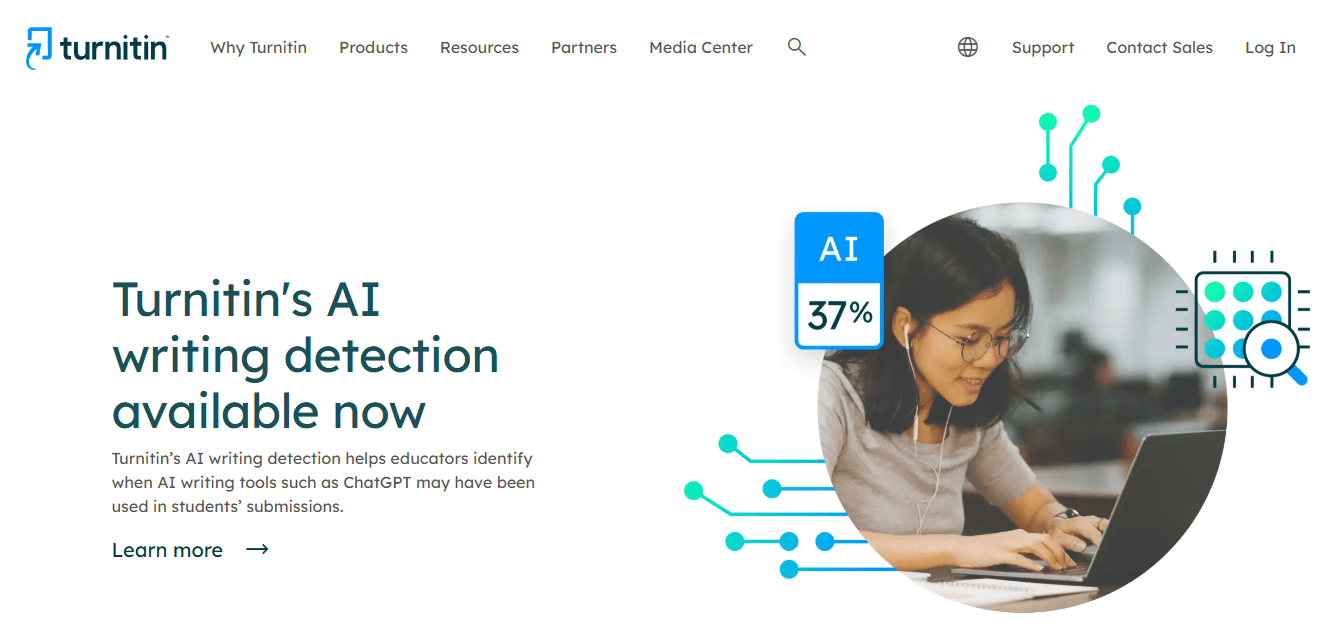
Turnitin is widely integrated into university systems and is recognized for its plagiarism detection capabilities. It's new AI detection module scans for ChatGPT-style text during assignment submission.
Key Features
- Automatically evaluates AI authorship during student submissions
- Combines AI detection with plagiarism reports
- Seamlessly integrates into Canvas, Moodle, Blackboard, etc.
- Provides AI likelihood percentage along with sources
Strengths
- Highly trusted by institutions
- No extra work required from students (it runs in the background)
- Accurate in more extended academic essays
- Offers a dual view: plagiarism + AI analysis
Limitations
- Not available for individual use (must be part of a school’s LMS)
- You don’t get access to it unless you submit to an instructor
- No revision guidance or writing feedback
- Cannot be used proactively before the final submission
3. Copyleaks AI Content Detector: Powerful and Multifunctional
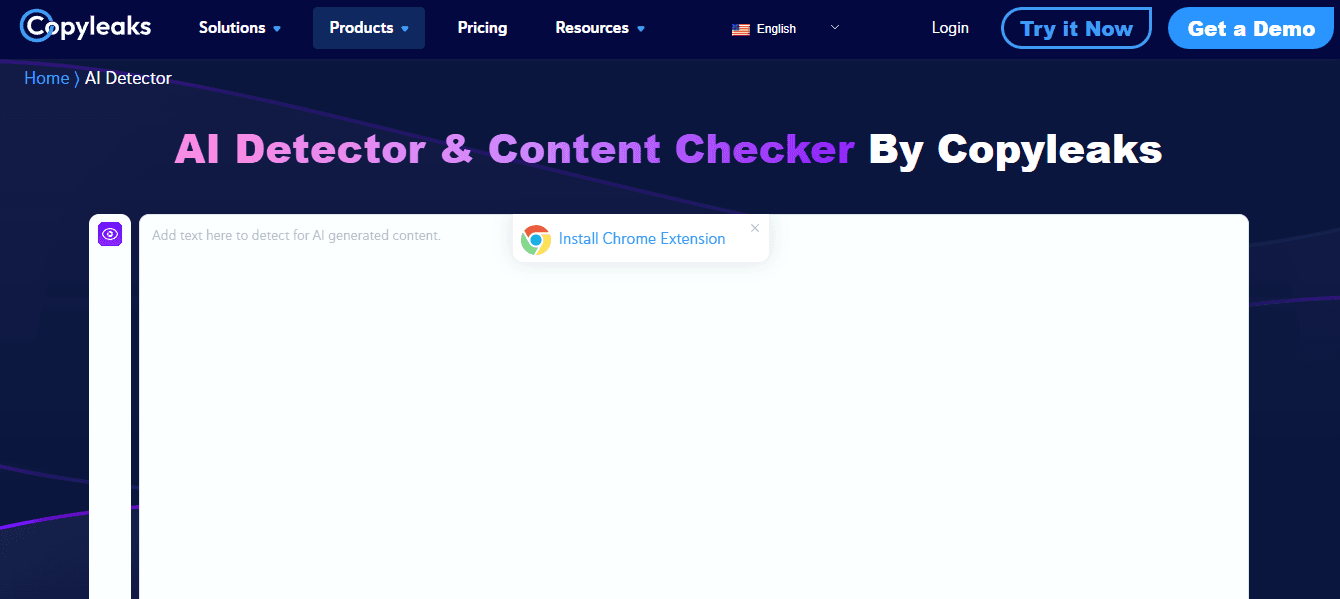
Copyleaks is a powerful tool offering both plagiarism and AI detection, with support for newer models like GPT-4, Gemini, and Claude.
Key Features
- Sentence-by-sentence AI probability ratings
- Real-time results via Chrome extension or Google Docs add-on
- Scans for paraphrased AI-generated content (not just verbatim)
- Supports multiple file types and large text uploads
Strengths
- Robust detection engine with enterprise-grade precision
- Good choice for more extended or rephrased AI-generated essays
- Also flags plagiarism and content reuse
- Popular with editors, publishers, and educators
Limitations
- Some features are gated behind paid plans
- The interface may be too technical for casual student use
- Offers little to no writing improvement or study support
- Less intuitive for users seeking a fast “yes/no” verdict
4. Writer.com AI Detector: User-Friendly Approach
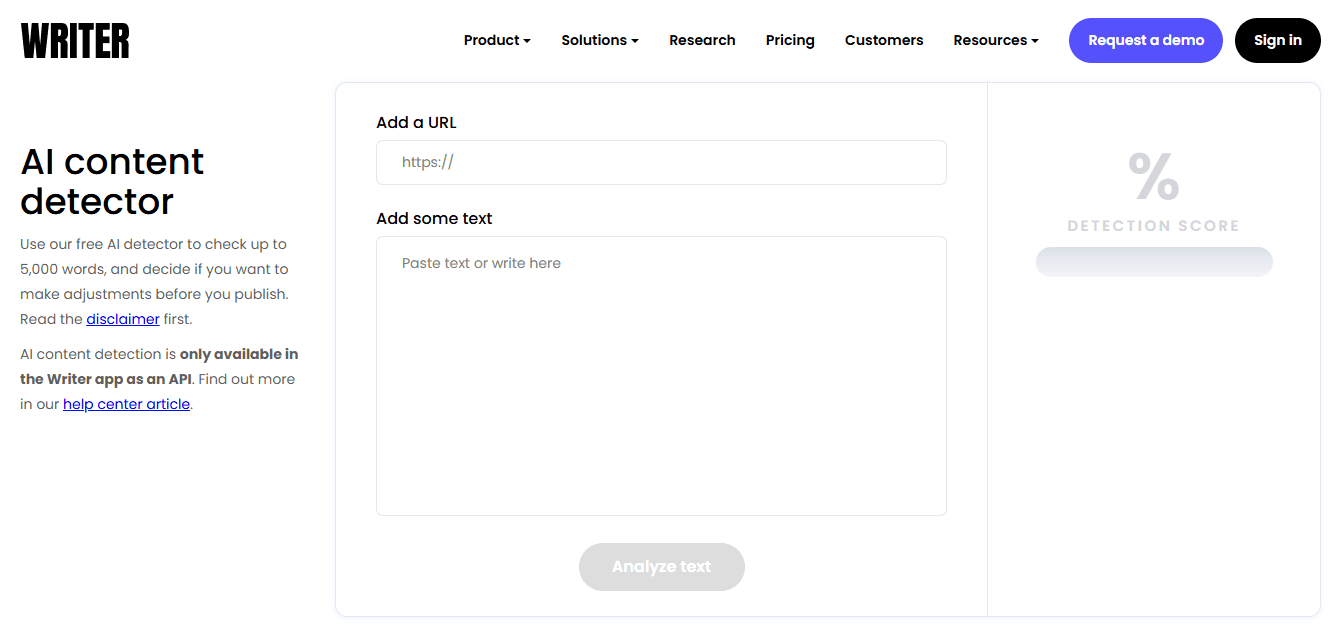
Writer.com is primarily a business-focused writing assistant, but it also features a free AI detection tool that students often use to scan their content quickly.
Key Features
- Free AI detection is available online
- Simple upload or paste interface
- Uses a proprietary model to analyze AI probability
- Shows overall percentage without complex metrics
Strengths
- Highly user-friendly for quick checks
- Suitable for short form or email-style writing
- Fast results without account creation
- Accessible on mobile and desktop
Limitations
- Less accurate on complex or academic writing
- Doesn’t show sentence-level analysis
- No learning, rewriting, or plagiarism support
- Lacks transparency about scoring logic compared to GPTZero
5. Originality.ai: Detailed Reporting for Serious Users
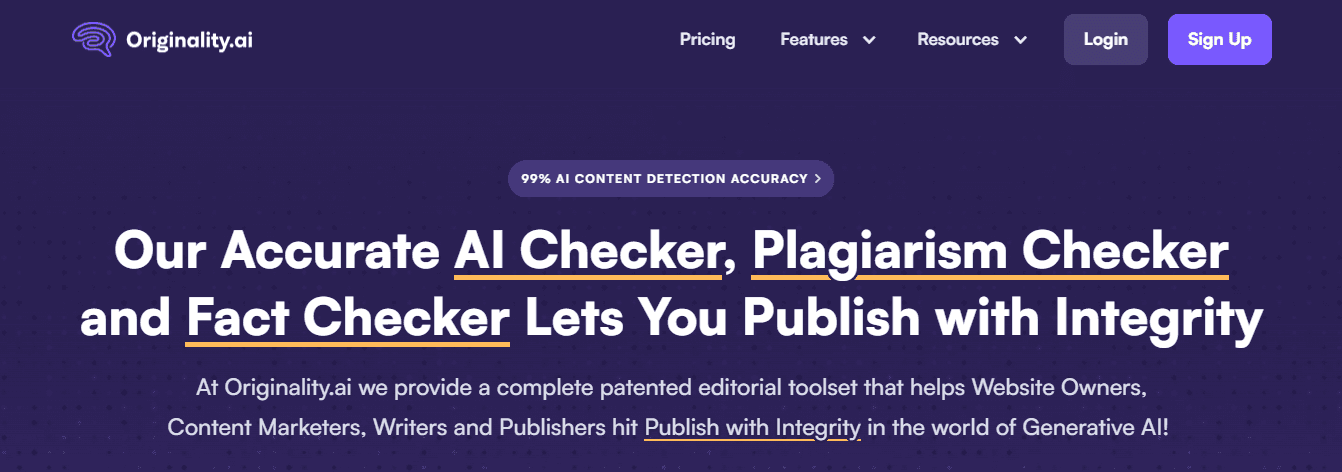
Originality.ai is designed for content creators, publishers, and editors. It offers some of the most detailed reporting on AI detection, including team-based tools.
Key Features
- Detects AI writing (GPT-3.5, GPT-4, Claude, etc.)
- Highlights AI-generated sentences with percentages
- Offers team access and content audit dashboards
- Combining AI detection and plagiarism checking
Strengths
- Ideal for serious academic writers or publication teams
- Useful for essay coaches or tutors reviewing drafts
- Can detect subtle AI paraphrasing or regeneration
- Useful in professional settings beyond education
Limitations
- Not explicitly built for students
- Requires a paid plan to unlock bulk scanning
- Doesn’t offer revision suggestions or academic insights
- More suitable for institutions or freelance editors than undergraduates
Transcript brings AI-powered study tools directly to students' fingertips, helping them tackle complex coursework more efficiently. Our platform features three core tools: instant scan-and-solve for any subject, an intelligent digital notebook, and an AI chat system that provides step-by-step explanations.
Simply scan your problem, and our AI offers detailed, step-by-step solutions to help you learn faster and more effectively. Whether you're stuck on a complex equation or need help breaking down complicated concepts, Transcript.study transforms the way you study. Get answers for free with Transcript.
Related Reading
How to Use a Transcript to Study Smarter
Forget AI Detectors: Here's a Better Way to Beat the System
Students dread the thought of using AI writing tools to finish their assignments. No one wants to get flagged by Turnitin or Scribbr AI Checker for cheating. Thankfully, there's a better way to navigate the complexities of college.
Transcript.study eliminates the need for risky AI-generated content. The platform helps students study their course materials more effectively, so they don’t have to rely on AI at all. Because of this, there's nothing for detection tools to even look at. With the Transcript.study, what you produce is 100 percent authentic work, and you don’t have to worry about getting caught.
Why Students Rely on AI Writing in the First Place
Let’s be honest, many students use ChatGPT or similar tools not to cheat, but because:
- They’re overwhelmed by long readings and lecture notes
- They don’t know how to summarize or organize the content
- They’re running out of time before deadlines
- They need explanations, not just raw text
When you’re under pressure, AI-generated help becomes tempting even if it could trigger detection tools like Scribbr. Transcript.study changes that.
What is Transcript.study?
Transcript.study is an AI-powered study platform built specifically for students. Instead of writing your assignments for you, it helps you master your course material by transforming your notes, textbooks, and lectures into interactive study tools. You upload your learning materials, and the platform helps you:
- Summarize them intelligently
- Create flashcards instantly
- Quiz yourself with AI-generated practice questions
- Build structured study sessions around what you already know
No copy-pasting essays. No rewriting AI answers. Just better learning from your actual content.
How to Use a Transcript.study: Step-by-Step Guide
Here’s how students can use Transcript to improve their studying and altogether avoid the need for risky AI-generated content:
1. Upload Your Study Materials
Drag and drop your handwritten notes, PDF slides, textbook chapters, or lecture transcripts. Supported formats include images, PDFs, and typed notes. The AI instantly processes the content and identifies key concepts. Scan your history lecture notes and upload them to start creating a study session in seconds.
2. Generate Smart Summaries
A transcript condenses long blocks of text into simple bullet points or key paragraphs. You can ask it to explain complex topics in your own words. Summaries stay true to the source, so you learn the material. Instead of feeding your professor’s lecture into ChatGPT, use Transcript to generate a clean summary you can review daily.
3. Turn Content into Flashcards Automatically
Highlight any section and convert it into flashcards. AI identifies key terms and creates questions from your notes. Built-in spaced repetition system helps with long-term retention. After reading 10 pages of biology notes, you can instantly create 20 flashcards from them with one click.
4. Quiz Yourself Before the Exam
Transcript generates quizzes based on your uploaded materials. You can select the question type:
- Multiple Choice
- Short Answer
- Fill-in-the-blank.
All questions are grounded in what you uploaded, not internet fluff.
Upload a PDF textbook chapter, and ask Transcript to build a 15-question quiz on chapter 4 concepts.
5. Track What You’ve Studied and What You Haven’t
Create custom notebooks for different subjects. Tag notes by topic or exam date. Track flashcard mastery and quiz scores to focus on weak areas. Build a dashboard with “Physics Week 1 to 5” and check which chapters you’ve thoroughly reviewed and which still need work.
The Real Benefit: You Don’t Have to Worry About Detection
When you use Transcript.study:
- You start with your content, no need to “prompt” an AI
- You don’t generate whole paragraphs or essays
- You build study tools, not submission material
Which means:
- Nothing you use is considered cheating
- You don’t have to worry about Scribbr, Turnitin, or GPTZero flagging your content
- You learn the subject, which means better grades, better memory, and less anxiety
Get Answers for Free Today with Transcript
Transcript uses AI to help you study more efficiently. It scans your coursework, identifies problems, and generates step-by-step solutions. With AI on your side, you’ll tackle complex subjects with ease and improve your grades.